Browser Automation in Practice: From Multi-Window Sync to AI Agents
Browser Automation in Practice: From Multi-Window Sync to AI Agents
If you run a handful, a dozen, or even dozens of accounts, you probably spend half an hour every day on purely mechanical work: opening the same sites, clicking the same buttons, filling in the same forms. Repeating one task five times is not workload — it is waste. Browser automation exists to eliminate exactly that waste: turning "repeat the same actions across multiple windows" into "do it once, apply everywhere."
This article skips the concepts and breaks down the four mainstream routes in browser automation today: who each one suits, how much work it saves, and where the pitfalls are. Multi-account operators need to think one layer deeper — automation is useless if your environments fall apart — so the second half covers how to pair automation with environment isolation and anti-association.
Four Routes: From "Manual Copying" to "AI Taking Over"
Rank the common browser automation approaches by how hard they are to pick up, and you get roughly four steps:
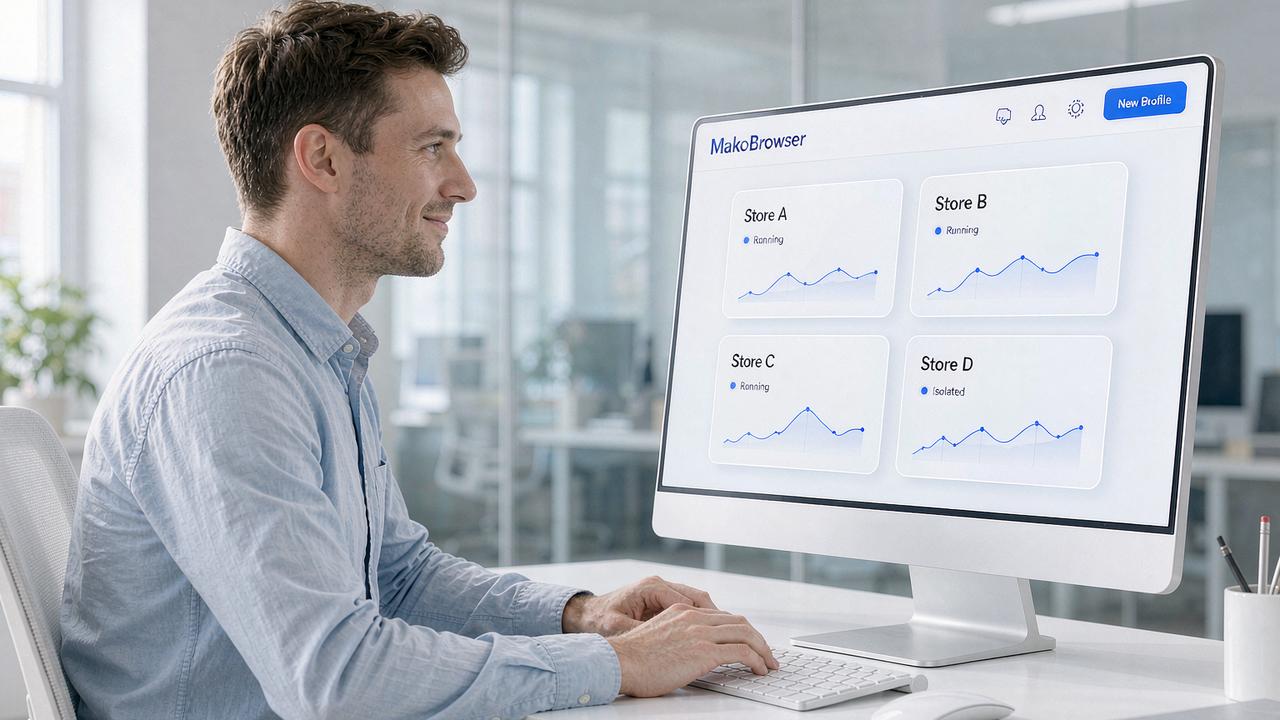
Step one: multi-window sync. Open five Profiles, work in one main window, and every mouse and keyboard action is replicated to the others in real time. Opening sites, paging, clicking, filling forms — one action lands in five places. This is the lowest-threshold option: you write nothing, just pick the windows and flip the sync switch. The trade-off is that "you still have to be there": you perform every step yourself, only once instead of five times.
Step two: visual flow building. Break an operation into blocks — open a tab, navigate to a URL, locate an element, click, type text — and connect them like a flowchart. That is a browser script that runs on its own. The benefit is full visibility: which step runs first, where it branches, all plain on the screen with no code to read. More advanced tools support conditional logic, such as "if the element appears, take branch A; if not, take branch B," so you can build flows that handle real-world page variation.
Step three: cookie warm-up bots. Feed a new environment a list of URLs and let it visit them one by one, accumulating browsing history and cookies. New accounts are most fragile in their first month, and the usual cause is an environment that is "too clean" — a browser with no history looks, to a risk engine, no different from a freshly registered bot. Warm-up automates that preparatory work. Results vary with each platform's risk rules, but as an unattended background task it costs almost no labor.
Step four: AI agents taking over. This is the change most worth watching in 2026. An AI agent cannot operate software on its own; it needs a tool entry point through a protocol such as MCP before it can truly "open the browser, enter the site, and complete the task" for you. The idea: you give instructions in natural language, and the agent calls browser tools through the protocol to execute them. The capability boundary here is still expanding fast, so for now it is best to start with simple commands.
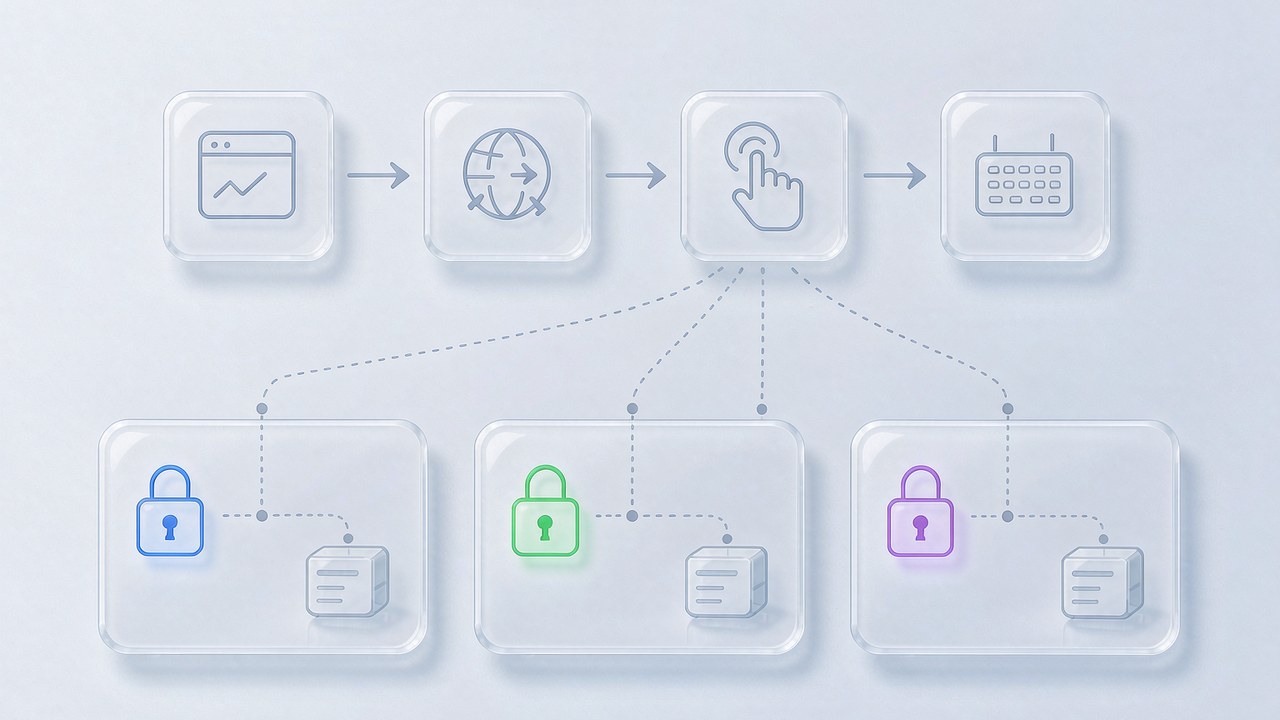
These four levels are not mutually exclusive, and mature multi-account teams usually run them together: the syncer handles same-day ad-hoc repetition, flow scripts run fixed daily tasks, warm-up bots nurture new environments, and AI agents explore new automation possibilities.
Multi-Account Scenarios: Get Environment Isolation Right Before Automating
With a single account, any handy tool will do. With multiple accounts, answer a different question first: what is the relationship between these environments?
If a dozen Profiles run on the same computer with the same browser parameters, automation only makes risk arrive faster — manual operation exposed your fingerprint once a day, while a script exposes it dozens of times a day, letting the platform sample the shared traits far more densely. The efficiency of bulk operations only holds when every environment stands on its own.
So before writing any flow, confirm three things: does each Profile have its own fingerprint parameters; is each bound to its own proxy exit, so IP location matches the account profile; are cookies and login states physically isolated with no cross-talk. These three are the foundation of anti-association — and it is exactly at this layer that MakoBrowser builds "independent fingerprint plus independent proxy per Profile" into a core capability, with bulk environment creation and one-click proxy binding in a single workspace, so your environments hold up before any automation runs. For proxy selection, see the earlier comparison of static vs rotating proxies and match the choice to your business rhythm.
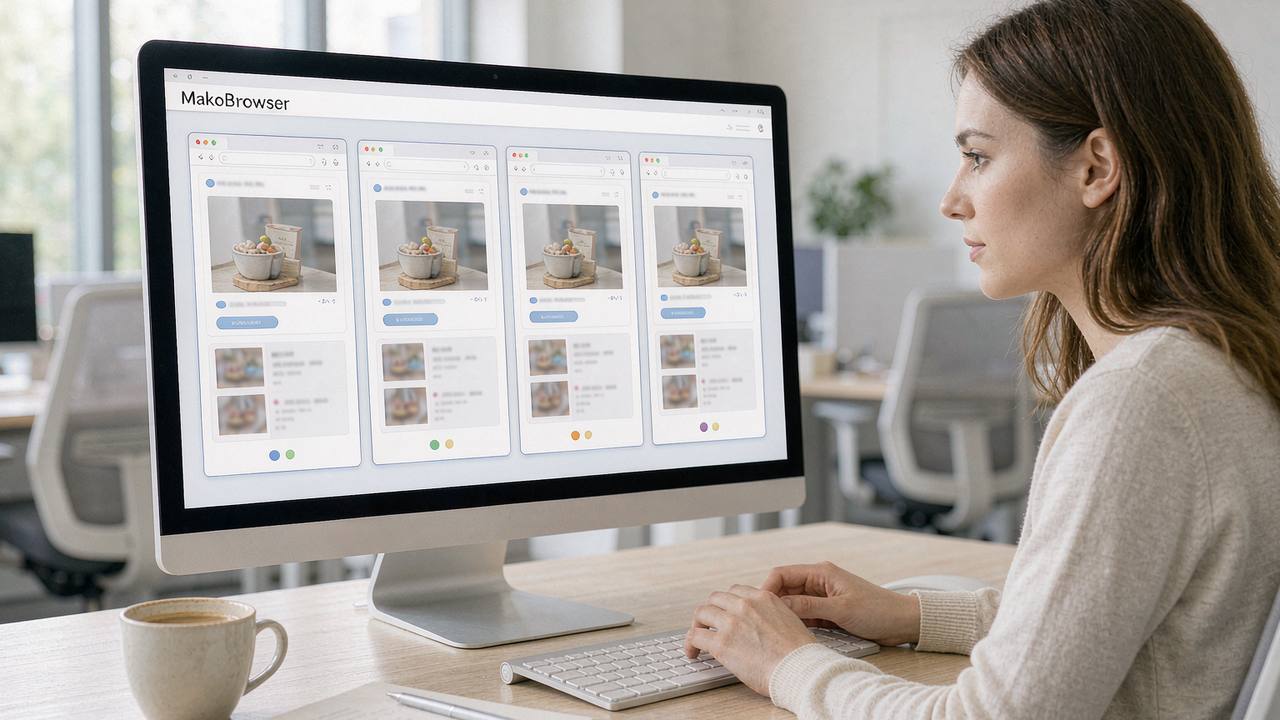
Once your environments stand, one rule of thumb is worth keeping: automation should move like a human. Five windows clicking in unison and millisecond-perfect scripts are efficient, but real users never behave that way. Add random waits, stagger execution times across environments, and spread bulk tasks over different time slots — small tweaks that do not change the outcome but make your operation trails look far more natural.
Start With One Minimal Flow: A Practical Getting-Started Checklist
The most common failure in browser automation is not weak technique but starting too big — expecting a script to run the whole business on day one, where one error stalls everything. The steadier path is to validate with a minimal flow:
- Pick your highest-frequency repetitive task, such as opening the dashboard to check numbers or replying with a fixed template message — the simpler the better;
- Break it into four or five blocks in the flow builder: open, navigate, locate, click, and get it working in a single Profile first;
- Add conditional branches to handle real-world variation like slow page loads or missing elements, so the script does not break the moment something goes wrong;
- Copy it to the other environments, run one round with the syncer or bulk execution, and watch whether every environment behaves the same;
- Add complexity only after a stable week, moving the next high-frequency task into a flow and rolling forward step by step.
Two extra tips: first, for tools that touch login states and payment details, prefer solutions with local encryption — sensitive data encrypted on the device, the server never receiving plaintext — which is baseline hygiene in multi-account work; second, sites without an open API are exactly where browser automation shines, because anything you can do on the page can in principle be taken over by a flow, which means many "manual-only" steps actually have room for automation.
Going deeper, bulk listing, scheduled tasks and cross-team division of work can all be wired into your automation system — the RPA automation guide covers the full pipeline from bulk execution to flow orchestration, and suits teams that have already got a single flow running.
Frequently Asked Questions
Can I do browser automation without knowing how to code? Yes. Both multi-window sync and visual flow building require no code — one replicates your actions, the other is drag-and-drop blocks. The real barrier is not programming but decomposing a business task into minimal steps like "open, navigate, click, type," and operators build that skill after a few practice rounds.
Is AI-agent browser control usable today? It works, but start with low-risk commands: try read-only operations first, such as launching an environment, opening a page, or extracting page information. Once the execution chain proves stable and controllable, gradually hand over tasks involving clicks and input. The more authority you give an agent, the smaller your first test should be.
Does cookie warm-up still help aged accounts? Its main value is for new environments and long-dormant ones being reactivated — filling in browsing history and visit trails. Accounts with a long, rich behavioral record gain little from warm-up; investing those resources in environment isolation and human-like pacing pays off better.
Does automation make accounts more likely to be flagged by risk control? Risk engines weigh overall signals, and operation frequency is only one dimension. Automation in isolated environments with clean IPs and human-like rhythm is on a completely different level of risk than high-frequency bulk operations inside a shared environment. Never run volume on top of environments that cannot stand on their own — that is the baseline and the whole point.
The 2026 answer to browser automation is already clear: syncers solve "repeating it," flow builders solve "automating it," and AI agents are starting to solve "thinking for you." But the faster the toolchain runs, the more the environment foundation matters — the more concentrated your account assets, the costlier a single association incident.
Get one minimal flow running first, then solidify environment isolation, and the rest is letting the system turn on its own. Download MakoBrowser and start by isolating one environment — hand the repetitive part of the work over for good.