How an Anti Detect Browser Turns Multi-Account Busywork Into One-Click Automation
With three or five accounts, repeated logins and daily check-ins are a minor annoyance. Once your account matrix grows to dozens, those fixed routines eat up most of your day. This is exactly where an anti detect browser earns its keep: every account runs inside its own isolated browser environment, and the two most repetitive patterns — "do the same thing in every window" and "do the same sequence every day" — get compressed into one-click workflows. Using Afina, a tool whose full feature chain was demonstrated in recent independent reviews, this article breaks down the four efficiency mechanisms and ends with a selection checklist you can act on today.
The bottleneck of multi-account operations is repetition, not environment count
The real cost of a multi-account workflow is not opening many profiles — it is redoing the same work for each one. Every account needs its platform login, the same dashboard pages, the same buttons, the same forms. Trivial with one account; linearly amplified at 10 or 50, where you become your own assembly line.
Those repetitions fall into two categories, and each needs a different solution:
- Simultaneous batch actions: open the same page in every window, search the same term, click the same button. Done by hand window by window, five repetitions cost five times the time.
- Fixed daily multi-step sequences: open the page, click the button, enter content, move to the next step. Each step is simple, but the sequence repeats every day, and one missed step means rework.
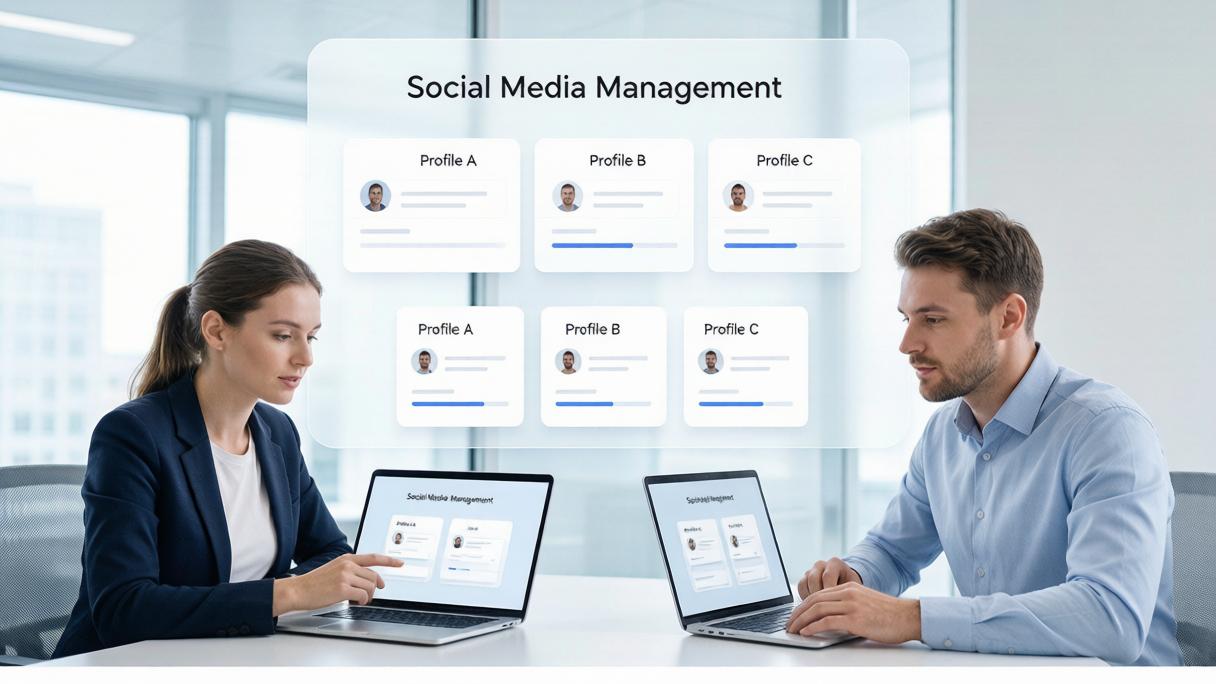
Mature anti detect browsers assign each category to a dedicated mechanism: a synchronizer handles "do it at the same time", and visual RPA handles "do it in order". Here is how that looks in a real product.
Four efficiency mechanisms, using Afina's feature chain as the example
A complete efficiency chain = window sync + visual flow orchestration + cookie warming + API integration. Afina is an anti detect browser focused on multi-accounting and automation; based on its official demonstrations, the mechanisms below are representative and worth checking one by one during evaluation.
- Window synchronization: select a master window and enable sync; tabs you open and terms you type in the master are replicated in real time across the other windows. What used to be done five times now takes one. Crucially, only the actions are synced — each Profile keeps its own login state, cookies and local data.
- Visual RPA orchestration: on a canvas, chain "open page — click — type — navigate" like building blocks and save it as a reusable automation script. Daily fixed sequences are composed once and reused indefinitely; simple scenarios require no code at all.
- Cookie warming (Cookie Robot): configure a list of URLs for a Profile and the tool visits them automatically to accumulate cookies, so a fresh environment enters production carrying realistic usage history. This capability is described by the vendor; actual results vary by platform policy.
- Local API and AI integration: Afina exposes a local API to create and launch Profiles, run RPA scripts and manage proxies and cookies programmatically, plus an MCP server that lets AI assistants read accounts, tasks and logs and execute operations. Automation graduates from "a flow a human configured" to "a flow an AI can schedule".
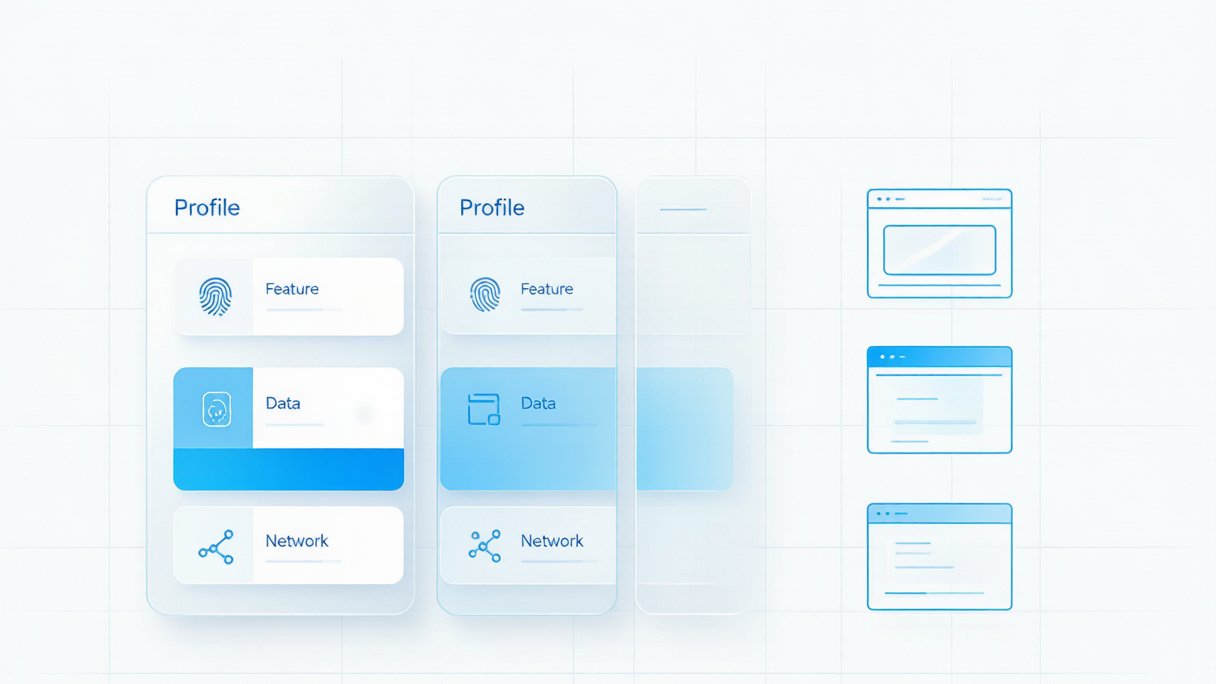
Two underlying capabilities deserve a place in your criteria as well. First, the data security model: Afina uses zero-knowledge encryption, and per the vendor the encryption key is generated on the user's device, the master password never reaches the server, and the cloud stores only ciphertext. Second, protocol coverage: SOCKS5 with UDP plus modern protocols such as QUIC and HTTP3 determines whether proxy chains work in newer-protocol scenarios. Both are vendor claims — verify them during your own trial.
How to judge whether an anti detect browser is worth adopting
Do not judge by the length of the feature list; check whether these six points all pass:
- Isolation completeness: are fingerprint parameters, cookie storage and proxy networks all separated per Profile, rather than a mere User-Agent swap?
- Syncing actions or data: window sync should replicate the operation stream only, never shared login state or local storage — otherwise isolation is decorative.
- Automation threshold: is there visual orchestration so non-technical teammates can build common sequences? Is the scripting interface documented?
- Protocol coverage: are SOCKS5 with UDP and QUIC/HTTP3 available? This directly decides usability for audio, video and real-time communication sites.
- Data security model: does the master password and encryption key stay on your machine, and is the cloud backup ciphertext?
- Collaboration and cost: does the team plan support Profile grouping and permissions? At per-environment pricing, does the unit price stay acceptable as the matrix grows?
Run a minimal matrix — three to five Profiles — through "sync + RPA + warming" before scaling up. It is the cheapest validation path.
FAQ
Can an anti detect browser guarantee my accounts will not be banned? No. It reduces the correlation risk that comes from overlapping environment fingerprints across accounts, but platform risk control also weighs behavior patterns, IP quality and content frequency. Any "guaranteed no bans" claim is untrustworthy; treat the tool as a way to lower risk and raise efficiency.
With window sync on, will account data leak into each other? Mature implementations sync the operation stream only, not each Profile's cookies or local storage. Still, before production use, validate the sync behavior with unimportant test accounts and confirm the data boundary matches expectations.
Is the free tier enough? For a handful of accounts and mostly manual work, the free tier usually suffices. Efficiency features like window sync, RPA orchestration and cookie warming are mostly in paid tiers — derive the tier you need from your matrix size and automation goals rather than buying first.
Putting multi-account automation into practice with MakoBrowser
To apply this playbook, MakoBrowser covers the full chain: every account runs in its own browser Profile with isolated fingerprints, cookies and proxies; window sync completes batch actions in one pass; the built-in RPA capability turns routine platform operations into reusable flows, and batch launching with group management means the bigger the matrix, the bigger the payoff. For teams moving over from manual multi-opening, migrate in three steps — isolate first, then sync, then automate — validating each step at small scale before expanding.
If repeated multi-account operations are slowing you down, download the MakoBrowser client from the official website, get three to five isolated environments through the sync and automation loop, and scale the matrix from there.