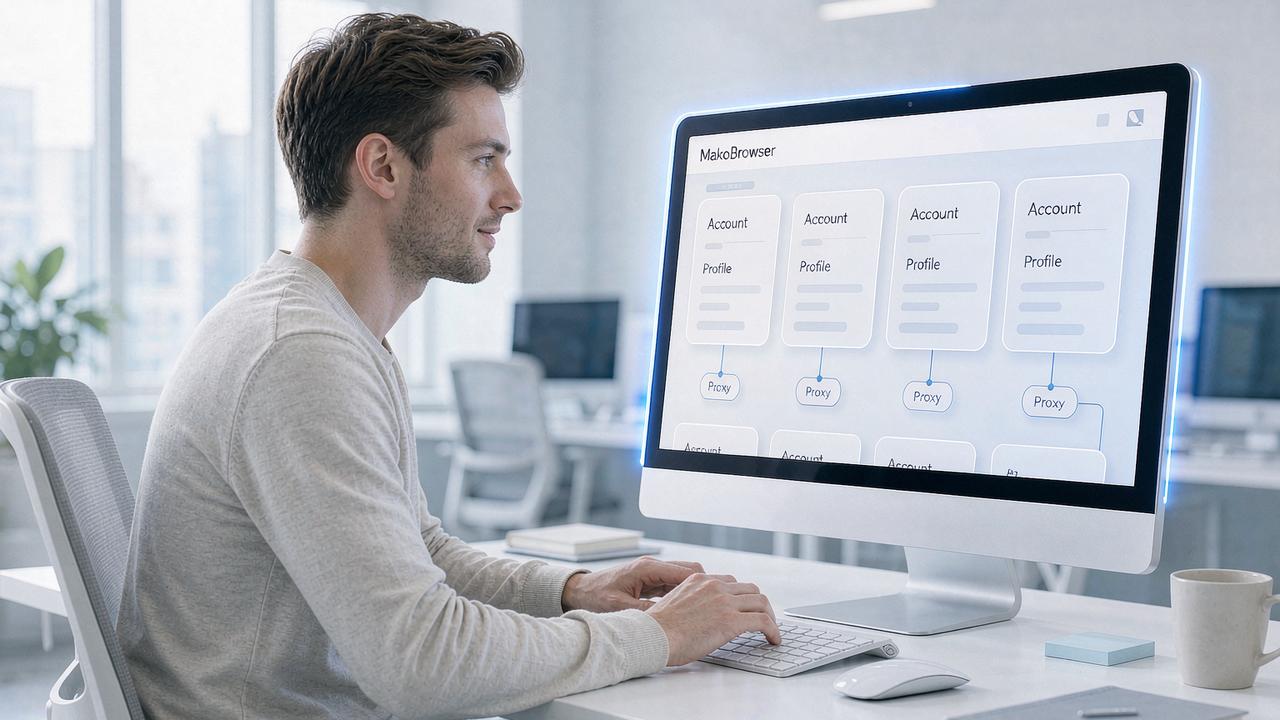
How Fingerprint Browsers Power Social Media Matrix Marketing: Environment Isolation and IP Selection Guide
Anyone running a matrix of accounts on TikTok, Instagram, or X eventually hits the same wall: the more accounts you launch, the faster they get banned. In practice, the problem usually isn't the content — it's the environment. Platforms cross-check device fingerprints, cookies, and network exit points across multiple dimensions; once the same "environment trace" shows up on several accounts, a link-detection verdict is issued. Fingerprint browsers exist precisely to break that trace chain. Drawing on the multi-account environment setups we've reproduced ourselves, this article explains what fingerprint browsers actually do in social media matrix marketing, how to choose the network environment, and a validation checklist you can put to work immediately.
The Link-Detection Dilemma: What Platforms Actually Compare
To understand what a fingerprint browser does, you first need to know how platforms tie accounts together. Risk-control systems compare along roughly three layers:
- Device layer: browser fingerprints such as Canvas, WebGL, fonts, screen parameters, and WebRTC. When the same set of parameters appears on multiple accounts, they're treated as coming from the same source.
- Data layer: cross-use and reuse of cookies, LocalStorage, and login sessions — the most direct linking evidence there is.
- Network layer: IP geolocation that doesn't match the account profile, multiple accounts sharing one exit, or IPs that have been heavily abused all push the risk score higher.
No matter how many windows you open in a regular browser, all three layers are shared. That's why even the "best of the year" mainstream browsers can't solve account linking for matrix operations — they were never designed for multiple identities in the first place.
Four Core Functions of a Fingerprint Browser in a Matrix Setup
Mapped to the actual workflow of running a social media matrix, the value of a fingerprint browser comes down to four points, each targeting one of the most time-draining parts of matrix operations:
- Environment isolation: every account runs in its own profile, with cookies, cache, and local storage physically partitioned so login states never interfere with each other. This is the foundation of staying unlinked.
- Independent yet consistent fingerprints: parameters like Canvas, WebGL, fonts, and time zone are generated independently per profile, so the platform sees multiple "different devices." One easily overlooked detail here — a good fingerprint isn't about randomly scrambling parameters; it's about making the OS, hardware, region, and network signals coherent with each other. MakoBrowser's design philosophy on this point is worth studying: it prioritizes "fingerprint consistency first," building plausible parameter relationships from common OS and device combinations instead of generating piles of self-contradictory parameter sets. You can read the technical notes directly on the MakoBrowser website.
- Proxy binding: each environment is bound to its own proxy exit — one account, one IP — cutting the linking path at the network layer.
- Bulk operations and collaboration: environment grouping, batch actions, and team permissions turn managing dozens or hundreds of accounts from manual tab-switching into a streamlined process.
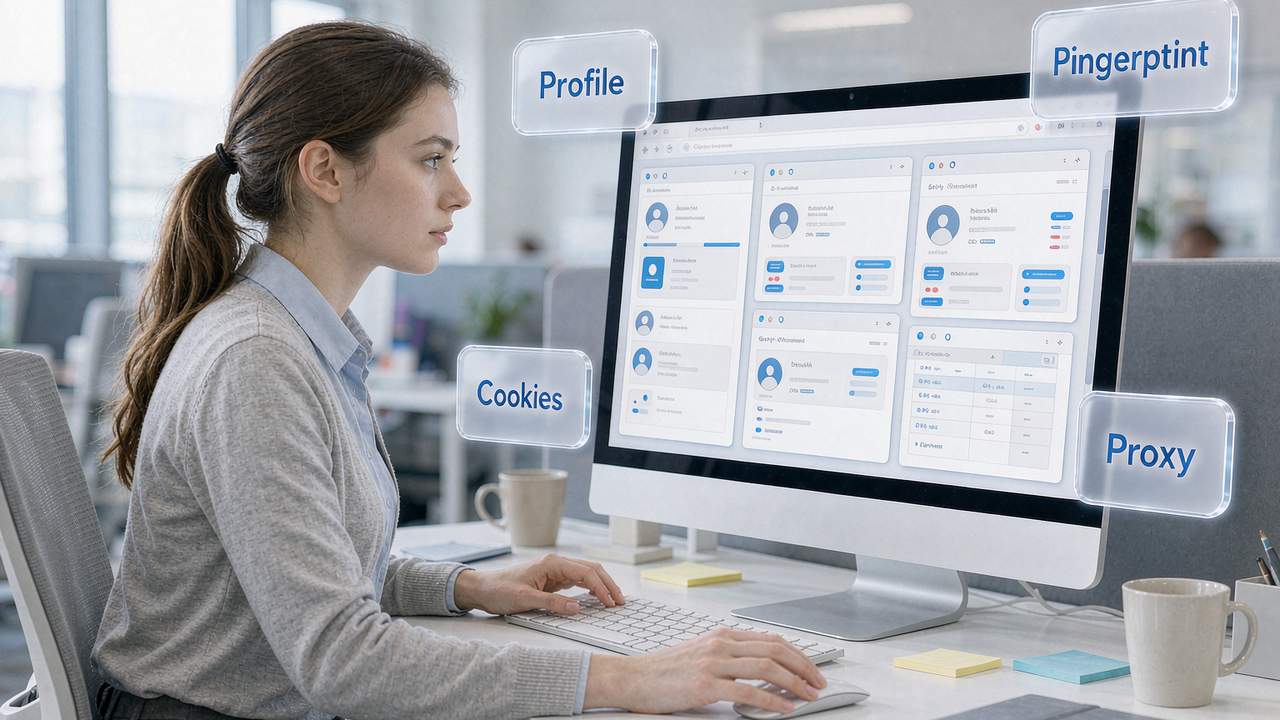
These four functions build on each other: without environment isolation, independent fingerprints lose their meaning; without proxy binding, even perfect work on the first two layers gets exposed at the network layer. Taking MakoBrowser as an example, it integrates all of these capabilities into a single workspace — creating environments, binding proxies, configuring fingerprints, launching in bulk, window syncing, and team permission assignment all happen in one interface, which noticeably cuts the daily management cost of a matrix.
Choosing the Network Environment: IP Types and Use Cases
Once the environment is set up, the IP is your account's "home address." Pick the wrong type and all your earlier effort is discounted. Based on our own testing and common industry practice, here are the common IP types and where they fit:
| IP Type | Characteristics | Best Use Case |
|---|---|---|
| Native residential / ISP IP | Allocated by a local ISP, relatively high purity | Day-to-day operation of social media accounts, streaming, and general-purpose work |
| Dual ISP certified residential IP | Dual ISP attributes, highly stable | E-commerce store operations (store address and IP geolocation must match, or risk control gets strict) |
| Datacenter IP | Cheap but easily identified | Not recommended for account work; only for tasks with no identity requirements |
Beyond picking a type, you also need to validate purity. In our testing we usually: use IP-checking sites to confirm the ASN is a consumer ISP broadband range, check for fraud scores or blacklist records, and query several times to confirm the geolocation doesn't drift. To be clear, marketing claims about "native IPs" and "premium IPs" in the market vary wildly — testing a sample before you pay is the most reliable way to judge, and promotional labels should never be taken at face value.
Another principle validated in practice is consistency: the account's registration location, time zone, and language must match the IP's geolocation. A "US account" logging in from an Asian exit is a contradiction that itself triggers risk control.
From Proxy Setup to Environment Validation: The Hands-On Checklist
Connecting proxies to your fingerprint browser isn't complicated; the key is validating every step:
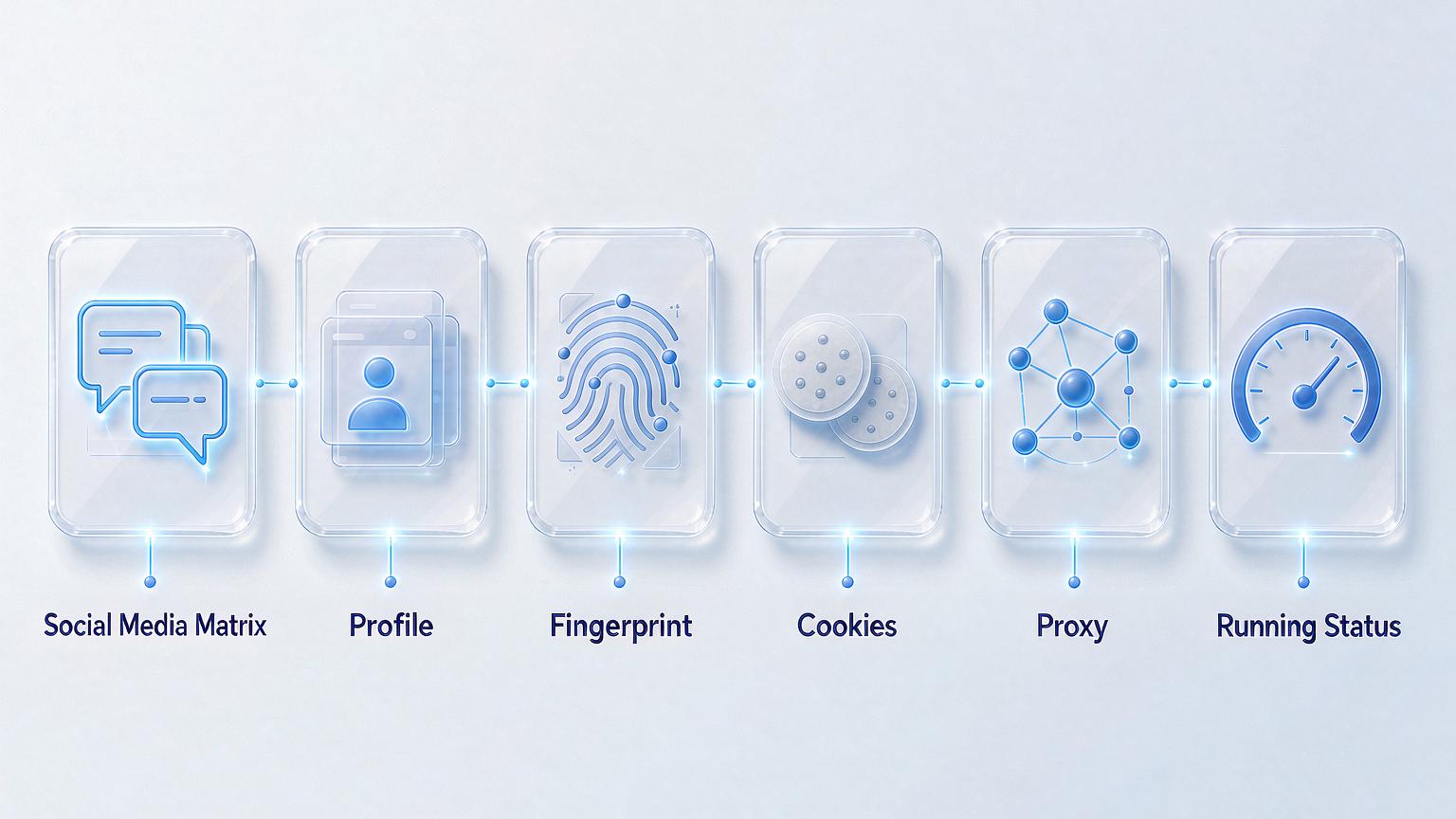
- Create independent environments: one profile per account, named with business meaning (platform + region + purpose) so bulk management stays easy. In MakoBrowser you can group environments by platform, region, or project, keeping even hundreds of accounts clearly organized.
- Enter the proxy and test it: fill in the IP details in the environment's proxy settings and run the proxy check first, confirming connectivity and the correct exit location. MakoBrowser lets you configure a separate proxy per environment with built-in connectivity testing, so swapping IPs doesn't require manual troubleshooting.
- Align local parameters: time zone, language, and geolocation should match the IP's location, with fingerprint parameters generated independently per environment.
- Self-check for leaks: use fingerprint-detection sites to confirm WebRTC doesn't leak your real address, DNS doesn't bypass the proxy, and every environment's parameters differ from the rest.
- Warm up accounts at low frequency: start new environments with low-frequency, realistic activity and scale up gradually, avoiding the behavior pattern of high-frequency actions right after registration. For team operations, collaborate through permission assignment rather than shared passwords — MakoBrowser's member permissions and environment allocation features turn this step into a fixed process.
Every step in this workflow has a clear pass criterion. If a step fails, fix it before moving on — never carry problems forward.
FAQ
Q: With a fingerprint browser, are matrix accounts automatically safe? No. A fingerprint browser handles isolation at the device and network layers; reused profile details or identical behavior patterns will still trigger linking. It's a necessary condition, not a sufficient one.
Q: Can multiple accounts share one IP? Not recommended. Sharing an exit is the most direct linking evidence at the network layer — one violation, and every account connected to it goes down. The rule is one independent IP per account.
Q: What happens if the IP location and the account profile are in different regions? Both hands-on testing and industry feedback show this mismatch significantly raises the risk score, and e-commerce operations are especially sensitive to it. Environment parameters should align with the IP's location, not with personal preference.
Conclusion: Selection Advice and Risk Disclosure
For social media matrix teams, the selection process comes in three steps: first, hands-on test candidate tools against the five key dimensions (isolation, proxy, automation, collaboration, cost); second, choose the IP type for your business scenario and validate purity item by item; finally, build the environment using the checklist above and scale up only after it passes validation.
If you want to cut the trial-and-error cost of tool selection, MakoBrowser is a strong candidate to test first: it fully supports the hard requirements — environment isolation, fingerprint consistency, and proxy binding — while bulk management, window syncing, and team permissions cover the day-to-day efficiency needs of matrix operations. You can follow more hands-on articles about multi-account operations on the MakoBrowser blog center. We recommend downloading MakoBrowser to set up a test environment, score it yourself against the five dimensions, and only scale once the full workflow runs cleanly.
Risk disclosure: fingerprint browsers and quality IPs reduce the probability of link detection — they do not guarantee accounts won't be banned. Platform risk-control rules keep evolving, and no environment setup can promise absolute account safety. Please comply with the terms of service of your target platforms; responsibility for the compliance of account information rests with the operator.