Instagram Multi-Account Management Guide
Instagram Multi-Account Management Guide
Most people running an Instagram matrix have lived the same morning: five or six accounts get hit with "unusual activity" notices one after another — throttled at best, banned at worst, and usually wiped out as a whole batch. This is not bad luck. The platform has decided these accounts come from the same source, and one risk-control sweep takes them all down.
With Instagram multi-account management, the real difficulty is not opening accounts — it is nurturing them and preventing cross-linking. This article breaks the problem into three layers: how the platform detects linking, how to choose between cloud phones and fingerprint browsers, and how to implement environment isolation and batch operations. It is written for social media matrix teams and cross-border ecommerce sellers.
Why Instagram's Risk Control Watches the "Device"
Instagram's risk control increasingly relies on mobile device signals — its first job is to confirm that "this is a real person on a real phone." The more accounts logged in on the same device and the more synchronized their behavior, the higher the chance the whole batch gets flagged as a matrix.
The signals the platform collects fall into three groups: the device layer (hardware parameters, system characteristics, browser fingerprint — the same parameter set appearing on multiple accounts means same origin); the data layer (cross-reuse of cookies, local storage, and login sessions, the most direct linking evidence); and the network layer (IP location that does not match the account profile, multiple accounts sharing one network exit).
No ordinary browser can solve any of these three layers, no matter how many windows you open — parameters and network exit are shared by design. So at scale, Instagram multi-account management either moves toward "one independent mobile environment per account" or "one independent browser environment per account." Each route has its place.
Two Routes: Cloud Phones and Fingerprint Browsers
The cloud phone route: create real Android device environments in the cloud in batches. Each "phone" has its own hardware identity, MAC address, and device fingerprint, managed centrally from your computer. Its advantage is that it matches the platform's mobile experience — most features of apps like Instagram behave most naturally on mobile, which makes it especially suitable for bulk account nurturing. Keep cloud phones and emulators apart: emulators share large amounts of identifiable characteristics and are easy to detect; a proper cloud phone provides an independent mobile identity.
The fingerprint browser route: create an independent browser environment on your computer for each account — independent fingerprint, independent cookies, independent proxy. The advantage is management efficiency: environments created in batches, grouped by business line, and working smoothly with the web-based ads backend and creator tools. For teams that mainly operate Instagram on the web (while also managing Meta ad accounts and creator tools), this route has the lowest daily operating cost.
These two routes are not enemies. The more common setup is to combine them: heavy in-app nurturing and content publishing go on cloud phones, while web-side account management, ad placement, and data analysis run in the fingerprint browser. Whichever route you take, the principle stays the same: one account, one environment, one proxy.
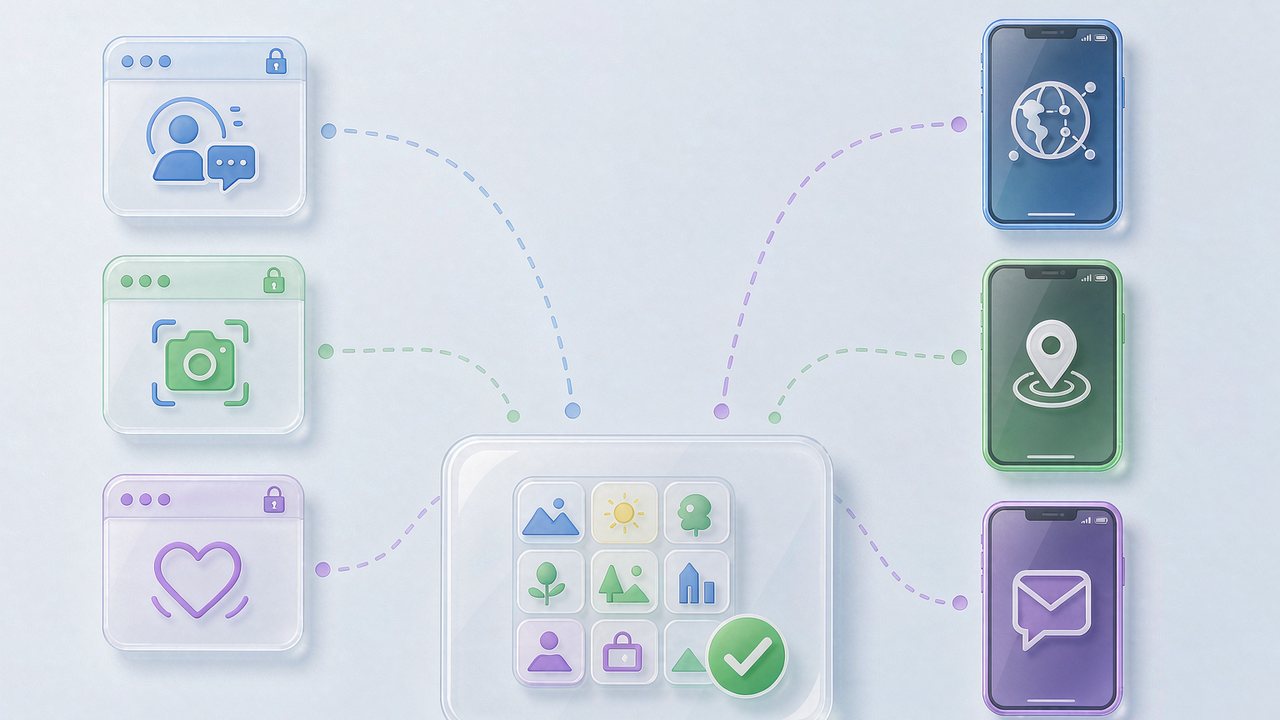
On the fingerprint browser side, MakoBrowser ships "independent fingerprint plus independent proxy per environment" as the default: isolation parameters are assigned automatically when you batch-create environments, and proxies are managed in one unified library. For operators juggling the Instagram web client and the ads backend at the same time, every management action happens in one workspace.
Implementation: From Zero to a Batch of Stable Accounts
Whichever route you pick, the implementation rhythm is the same. Follow these five steps:
- Environments first: plan the number of accounts, then build that many isolated environments (cloud phones or browser profiles) before registering or importing accounts — reversing the order is the most common starting point of failure;
- Match proxies: bind an independent proxy to each environment, align the IP location with each account's target market, and store and assign proxies in one unified library;
- Register or migrate in batches: carry full login sessions when migrating old accounts; after registering new ones, nurture them for a while first — mimic the rhythm of a normal user instead of posting at high frequency on day one;
- Stagger operations: spread active hours and posting frequency across environments. Sync tools can save time, but use fully synchronized on-screen actions with caution;
- Weekly review: check proxy health, login-session validity, and anomaly notices for every environment. The moment one account misbehaves, isolate it immediately so the rest of the group stays safe.
Automation takes a lot of repetitive work out of this flow: scheduled publishing of fixed content and routine multi-account interactions can all be templated — and AI tools can speed up bulk production of Instagram content. For how to build that automation pipeline step by step, see our earlier piece on browser automation.

Teams and Scale: After the Matrix Grows
Once your matrix passes a few dozen accounts, the focus shifts from "operating" to "organizing": who owns which group of accounts, who may perform sensitive actions, and how to hand over when someone leaves. The answer at this layer is a permission system — tiered roles, operation logs, and bulk environment transfers. On the tooling side, if your Instagram matrix also carries Meta ad accounts, the mapping between environments and ad accounts needs to be governed together. Our earlier piece on isolated environments for ad accounts covers ad account isolation and pairs well with this setup.
Another scaling lesson is controlling the pace of expansion. Account growth should track your operating capacity — if environments, proxies, or content production falls behind on any link, the platform side will show it as anomaly signals. Stabilize one batch, then expand the next.
Frequently Asked Questions
Can one person manage a dozen accounts by switching in the phone app? It works early on, but accounts on the same device get progressively linked by the platform, and risk concentrates and erupts at scale. Matrix businesses should move to isolated environments as early as possible.
Do I have to choose between cloud phones and fingerprint browsers? No. App-heavy operational accounts run on cloud phones, while web-side management and ads backends run in the fingerprint browser — teams running both lines in parallel are common.
Can linked and banned accounts be saved? A single account can go through platform appeal, but a whole batch banned by association has very low odds of recovery. Isolation costs far less than appeals — prevention is the highest-return option.
Does batch operation inevitably cause throttling? Risk control evaluates combined signals, not the mere fact of "multiple accounts." A matrix with independent environments, clean IPs, and human-like rhythm carries completely different risk from high-frequency batch operations in shared environments.
Instagram multi-account management is not a race to open accounts. It is about whether each account can keep "looking like an independent user" over the long run. With environment isolation as the base, proxies properly assigned, and a restrained operating rhythm, your matrix can grow from a dozen accounts to several hundred without incident.
Building proper environments for your first ten accounts matters far more than rushing to open the hundredth. Download MakoBrowser, start from isolated environments, and turn your Instagram matrix into a sustainable asset.