How to Choose and Use a Proxy Server: Types, Workflow, and Multi-Account Scenarios
How to Choose and Use a Proxy Server: Types, Workflow, and Multi-Account Scenarios
Anyone running multiple accounts will eventually have to deal with proxy servers: your ad account got banned and you need a new environment, your scraping jobs are being rate-limited and you need a new exit, a new account registration needs an IP location that matches the profile. But when it comes time to buy, the product pages throw a pile of jargon at you — residential proxy, mobile proxy, ISP proxy, HTTP, SOCKS5, pay-per-traffic — and the more you read, the more confusing it gets.
This article explains proxy servers from principle to practice in one pass: what the proxy actually does in the middle, which businesses the three common proxy types suit, and a complete workflow from purchase to binding environments. Follow it and you will avoid most of the pitfalls in multi-account work.
What a Proxy Server Actually Does in the Middle
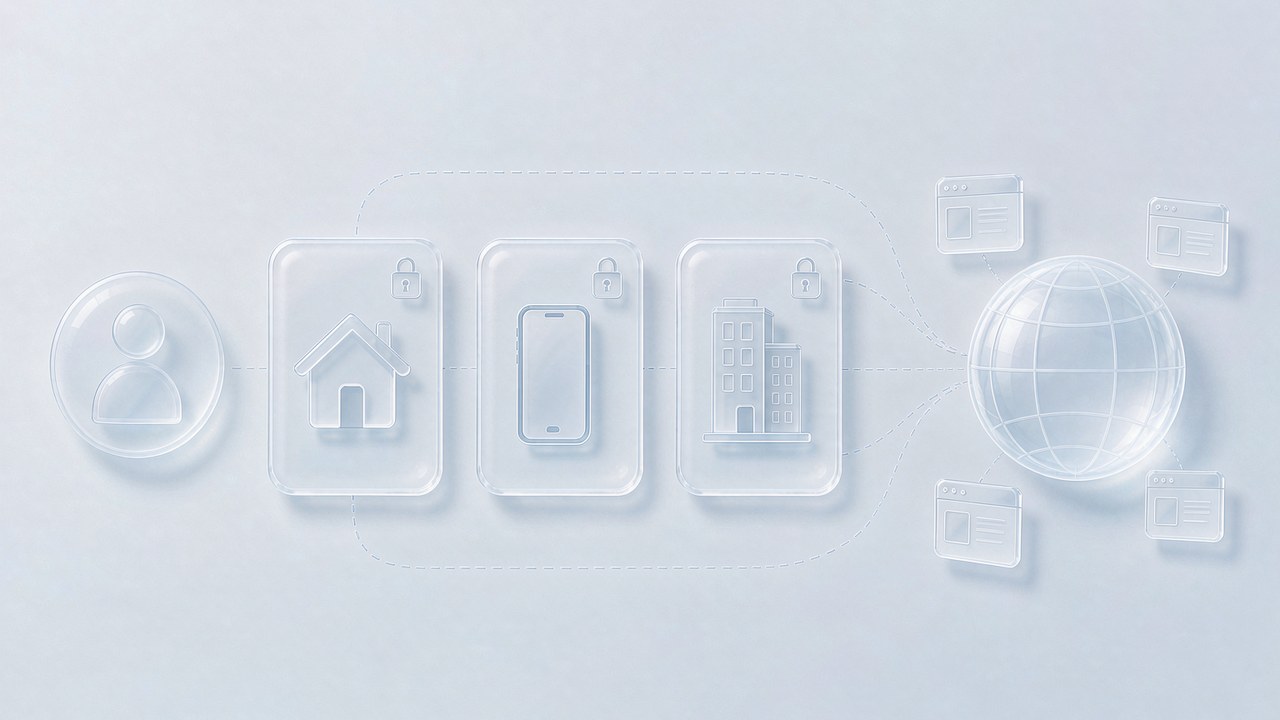
A proxy server is essentially a "middleman": you don't visit the target website directly — you send the request to the proxy first, the proxy visits on your behalf, and brings the result back. What the target website sees is the proxy's IP, not your real IP — that is the starting point of everything a proxy is worth.
For multi-account operators, this "middleman" solves two problems. The first is identity isolation: each account's requests go out through a different proxy exit, so the platform sees different users in different regions instead of one computer doing bulk operations. The second is protocol fit: mainstream proxies support two protocols, HTTP and SOCKS5. An HTTP proxy is enough for web traffic; SOCKS5 works at a lower level and can carry UDP traffic — which is exactly what modern web applications like video calls and real-time interaction depend on. When choosing a proxy, check protocol support against your own business.
One concept not to confuse: a proxy is not a VPN. A VPN takes over all traffic at the system level, while a proxy usually only applies to the app or environment configured to use it. For multi-account scenarios this is precisely an advantage — one environment, one proxy, no interference between them, at a much finer granularity than a VPN.
Three Types of Proxies: Datacenter, Residential, and Mobile
By IP source, the market has three common types, each with a clear use case:
Datacenter proxies: IPs come from server rooms — cheapest and fastest, but the IP ranges are instantly recognizable as datacenter. Suitable when identity doesn't matter much: bulk access to public pages, speed-sensitive scraping jobs.
Residential proxies: IPs are assigned to real home broadband lines and look like ordinary residents, which makes them highly trustworthy. For multi-account management, ad account operations, and any business that needs to "look human," this is the first choice. The downside is that pay-per-traffic pricing costs more than datacenter proxies; the money is worth it for businesses where "the accounts are valuable."
Mobile proxies: IPs come from real mobile networks and share exits with phone users — most trustworthy, but slowest and most expensive. Use them for mobile-side social platform operations and extremely risk-sensitive businesses. ISP proxies can be understood as a variant of residential proxies — hosted in datacenters but registered as ISP, balancing speed and trust.
The selection criterion boils down to one line: the more valuable the account or business, the better the proxy you configure for its environment. A test environment on datacenter proxies costs nothing to lose; main accounts you have raised for two years deserve residential or even mobile proxies. As for vendors' advertised success rates (like 99%+), take them with a grain of salt — judge by your own business testing.
From Purchase to Binding: A Workflow You Can Replicate
Buying is just the start; putting a proxy to work takes four steps. Using the common flow of mainstream vendors as an example (interfaces differ, logic is the same):
Step 1: Create the account and split users. After registering, create users in the dashboard, set usernames and strong passwords, and allocate a traffic quota to each user. This matters even more for teams — different members on different users, so traffic consumption and operation logs can be traced separately.
Step 2: Generate proxies as needed. Pick the country (down to state or city when needed), the protocol (HTTP or SOCKS5), and the type (residential/mobile/ISP), then generate the proxy list in bulk. Most vendors support random or geo-targeted exits and auto-generate username/password credentials. The principle here is the same as in the last section: the proxy's location should match the account profile — if you target the German market, use a German exit.
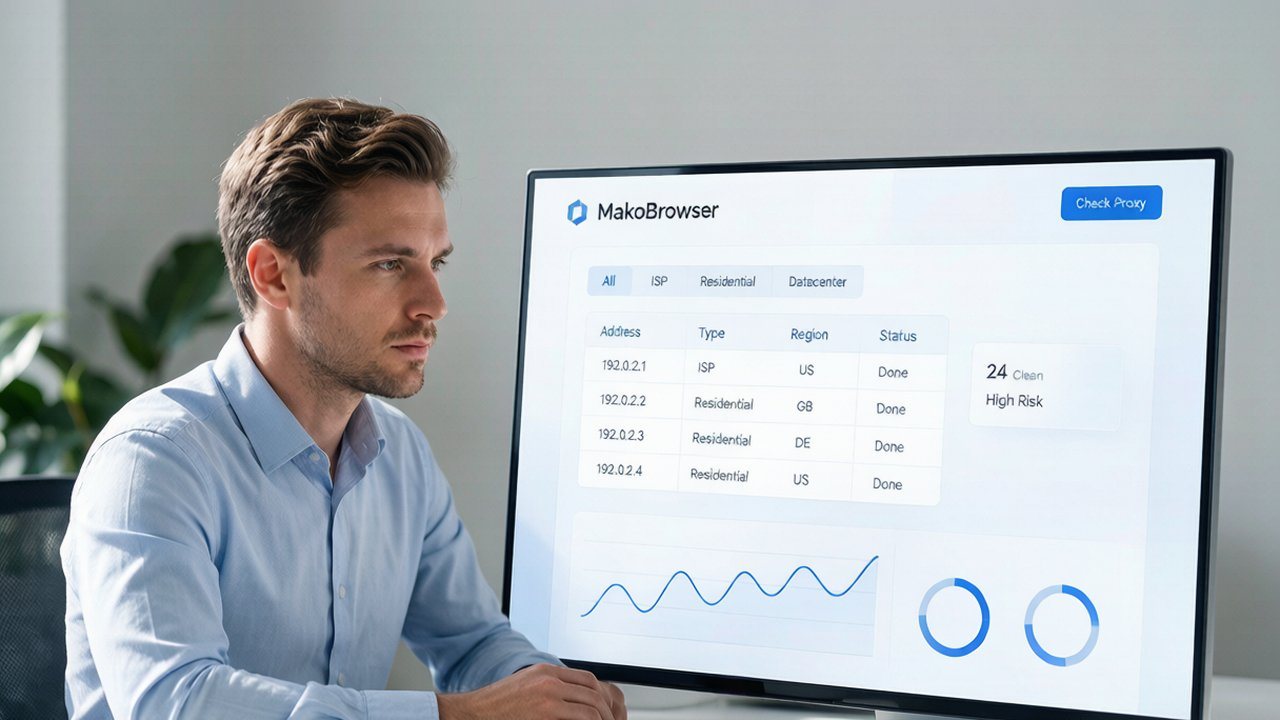
Step 3: Test before use. Once you have the list, check connectivity and exit location one by one, and drop the dead ones or the ones in the wrong location before putting them to use. Don't skip this — binding unverified proxies straight to your main accounts is the most common rookie mistake.
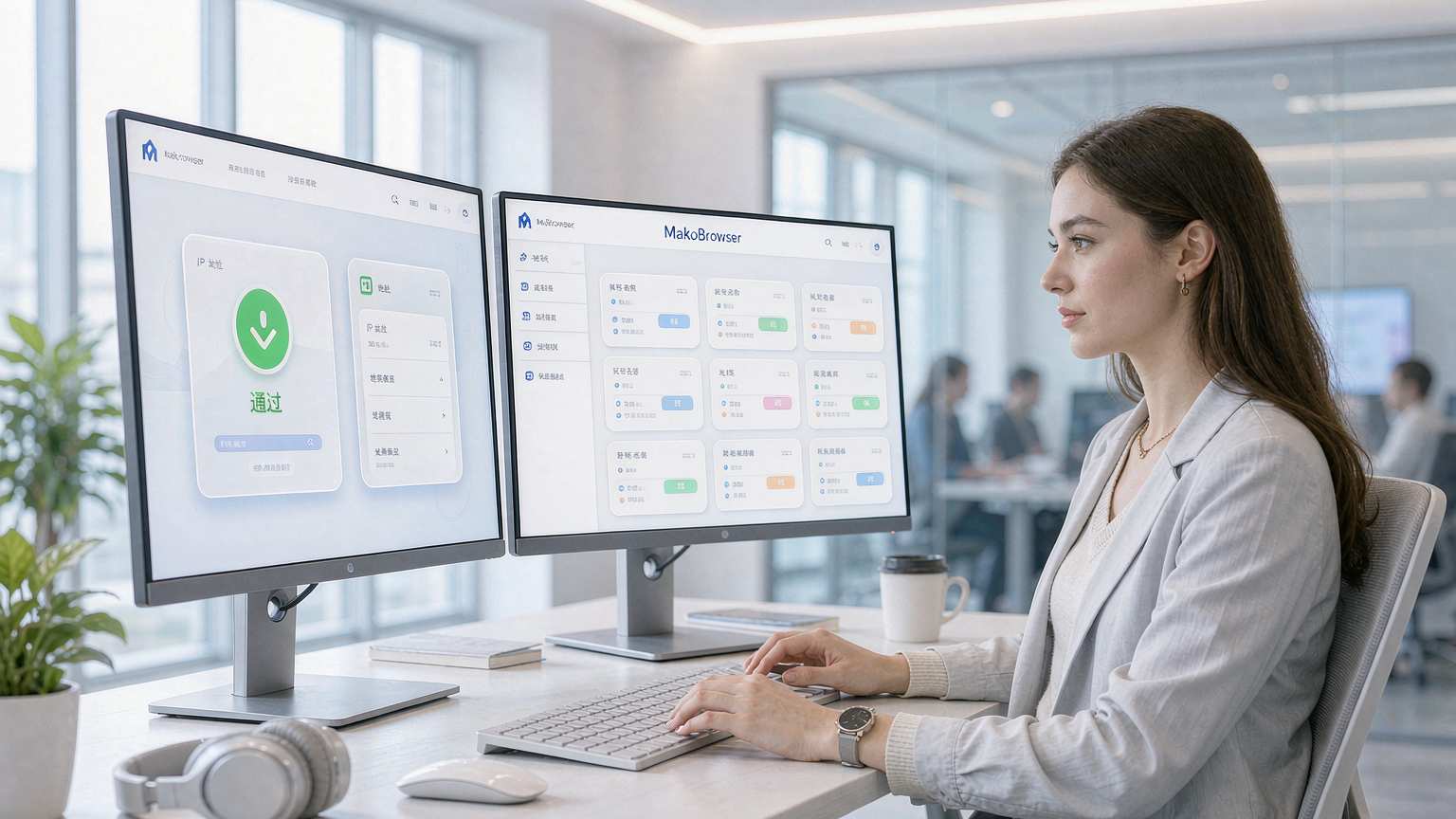
Step 4: Bind to isolated environments. Bind the tested proxies one by one into each Profile of the fingerprint browser — one environment, one proxy. Vendors generally offer bulk copy, and importing the list into MakoBrowser's proxy library lets you manage them in one place; from then on each environment automatically goes through its own exit at startup. After binding, open the environment and visit an IP check page once to confirm the exit matches expectations before starting real work.

On billing: pay-per-traffic (a few dollars per GB is common) suits teams with unstable usage, while monthly plans fit steady-volume businesses; many vendors give rebates on traffic spending, which adds up to a real difference over time — compare that too when buying. Prices fluctuate quickly across vendors, so check the live quotes on official sites before ordering.
Three Rules for Multi-Account Scenarios
Once the workflow is clear, keep three rules in mind for multi-account work and you will avoid most of the pitfalls:
One environment, one IP, fixed long-term. The account-proxy relationship must be stable — an account that is in the US today and Germany tomorrow is far more dangerous than one that keeps a fixed German IP. Matching IP location, account profile, and environment language/timezone is basic discipline.
Monitor proxy health. Residential proxy IPs are fluid; spot-check every proxy in the list for connectivity and location every few days and replace dead ones promptly. If a proxy bound to an environment dies, the environment exposes your real IP directly — a bigger hazard than the dead proxy itself.
Changing proxies is not changing environments. Proxies can be updated; don't touch the environment's fingerprint parameters frequently. The proxy is the "home address" and the environment is "the person" — moving house is fine, swapping the person is another matter. The deeper logic of proxy selection (static vs rotating, residential vs datacenter) was covered scenario by scenario in the earlier article static proxies vs rotating proxies; read both and your selection thinking is complete.
FAQ
HTTP proxy or SOCKS5 — which one? For pure web business, HTTP is enough; for video calls, real-time data, or non-HTTP protocol applications, choose SOCKS5. Mainstream vendors offer both — just pick per environment when generating proxies, usually at the same price from the same vendor.
What if a proxy gets banned? Look at the reason first: if it's IP quality, ask the vendor for a replacement; if it's behavior (too high frequency, mechanical patterns), adjust your rhythm. Swapping the IP without changing the behavior only gets the new IP banned quickly.
Are free proxies usable? Not for multi-account business. Free proxy exit behavior is uncontrolled — your traffic passes through someone else's server with no guarantee of security or stability. Fine for testing and learning; for real business, pay properly.
Can one account rotate multiple proxies? It depends. Frequent country switching within the same session sends terrible risk signals; but "small-range rotation within the same carrier's network segment in the same city, fixed long-term" is common practice. The core remains: make the account's network behavior look like one stable real user.
Proxy servers come down to this: selection follows business value, usage follows workflow discipline — configure types by "how much the account is worth," follow the "generate, test, bind" workflow, and hold the "one environment, one IP" rule. A proxy has no magic; it just lets each account environment truly stand on an independent network exit — like fingerprint isolation, it is foundation engineering for multi-account operations.
After configuring proxies for your environments, don't forget the operations themselves: human-like rhythm and real-user behavior are the final answer to long-term account safety. Download MakoBrowser to manage your proxy library in one place and let every environment take its own path from today.