Is That Proxy IP Clean? How to Read IP Lookup Results for Residential, ISP and Datacenter Addresses
A proxy that connects quickly and opens the sites you need is not automatically a proxy you should run accounts on. Two things decide whether an IP is usable: its registration type (residential, ISP or datacenter) and its cleanliness (how many accounts have passed through that range, whether it carries flags). Both can be read from a single IP lookup — type field, ISP name, hostname, cleanliness score — and a full check takes well under a minute.
This guide first separates the three IP types, then walks through a three-step reading method using an IP lookup API and detection sites, and finishes with how to fold that check into a routine when you manage many accounts.
Residential, ISP and Datacenter IPs: similar names, completely different origins
The difference between the three is not speed — it is where the range came from and how it is registered in the databases. Sellers often blur them together under one label like "static residential," which is the single easiest way to get burned.
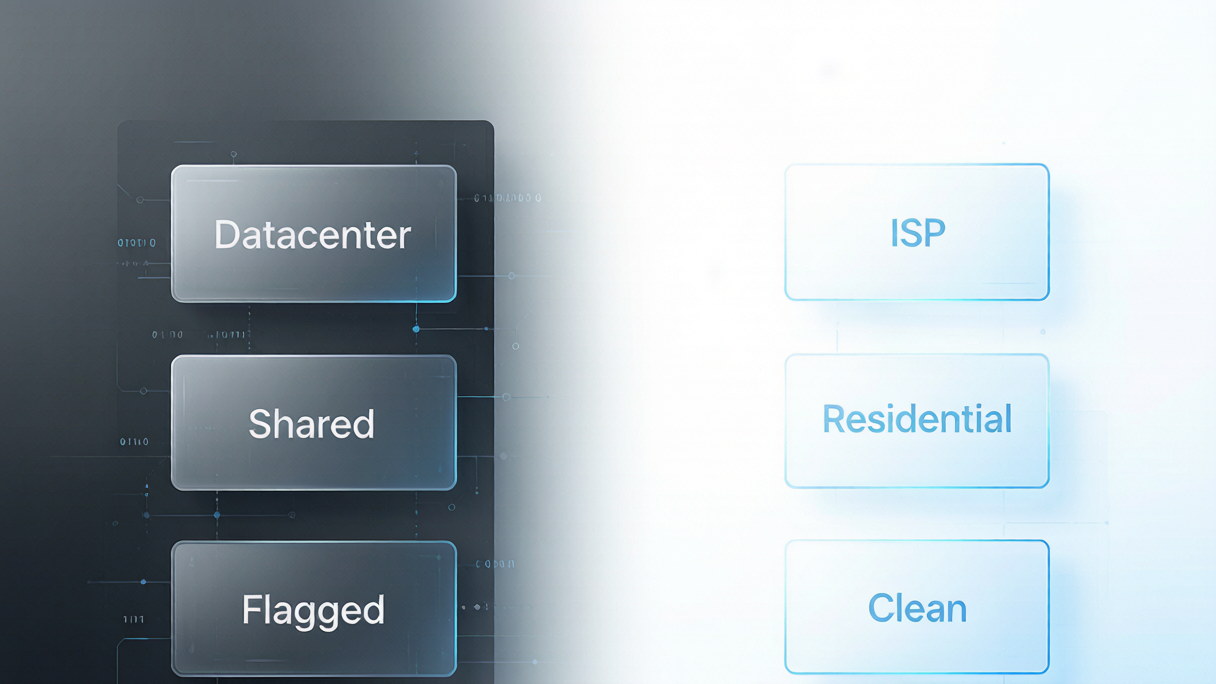
- Datacenter IP: the IPv4 range bundled with a cloud server or VPS. Databases register it as hosting, owned by a data center. Nothing is inherently wrong with it, but platforms see these ranges as carrying scripts and bulk jobs, so the risk weighting is naturally higher.
- ISP proxy: commercial bandwidth leased or bought from a local carrier, registered as ISP. The key difference from datacenter IPs is that it is not shared — you get the range to yourself instead of mixing with strangers, which makes uptime and stability far more controllable.
- Residential IP: registered to an actual household broadband address, usually with a hostname you can look up (a device name under the carrier's domain). Genuine native residential IPs have always been in tight supply, especially in the US, and both price and scarcity sit a tier above the rest.
A common misconception is that "ISP equals datacenter IP." The two only share a physical carrier: an ISP range does have to be hosted on data center servers to stay online long term, but its registration type and sharing model are entirely different, and so is the price tier. Conversely, if an ISP you bought resolves as hosting, there are only two explanations — the seller does not maintain its IP database properly, or it packaged a datacenter range and sold it as ISP.
A three-step check with an IP lookup API
The goal is not "does it connect" but three fields: type, owner and cleanliness. Every IP lookup API and detection site serves the same underlying data; only the presentation differs.
Step 1: Check type and owner. Feed the proxy IP into the lookup endpoint and read the type field — ISP, hosting or residential. If any IP in a batch comes back as hosting, the range is not what the seller promised. Then read isp or org: a residential IP usually maps to a named carrier (AT&T being a common US example), a plain ISP returns a commercial company name, and a datacenter IP returns the cloud provider.
Step 2: Read the hostname, the hidden clue. Genuine residential IPs usually carry a full hostname under the carrier's domain; a plain ISP range has none. This is the most direct signal separating "real residential" from "commercial ISP dressed up as one," and it is more reliable than the type field alone.
Step 3: Test cleanliness separately. Type only describes where the range came from; cleanliness is a different dimension — an ISP-registered range with heavy sharing and a poor history is just as much of a burden on your accounts. Use a detection site to check shared-user counts, whether the IP is flagged as proxy or abuse, and the overall score. The cleaner the score, the less you have to worry.
Four typical outcomes fall out of those three steps, and each calls for a different response:
- Type correct, cleanliness high: put it to work and bind it to the matching environment.
- Type correct, cleanliness low: the range is too crowded — swap it out rather than hoping it improves with time.
- Type mismatch — a range sold as residential but reading as ISP, or sold as ISP but reading as hosting, is simply not what you paid for. Contact the provider for a replacement or refund while the order window is still open.
- Database anomaly but hostname normal: cross-check first. IP databases update with a lag, and the same IP reading differently across platforms is routine. Confirm on two or three platforms before drawing conclusions.
Three judgment mistakes that are easy to make
Most misjudgments come from drawing a conclusion off a single dimension, not from inaccurate tools.
- Reading type but ignoring cleanliness. A correct type does not make an IP usable; shared-user counts and historical flags weigh on your accounts just the same. Read both.
- Trusting a one-time check forever. Registration data changes as databases update — a range showing ISP today may be re-flagged months later. The result before purchase is not valid indefinitely.
- Mixing one set of account data across regions. The IP's location has to line up with the account's profile and login timezone. A clean US residential IP paired with account details written for Southeast Asia is more conspicuous than an ordinary IP — that is confusing "clean" with "matching."
Multi-account environments: make the check a step before registration
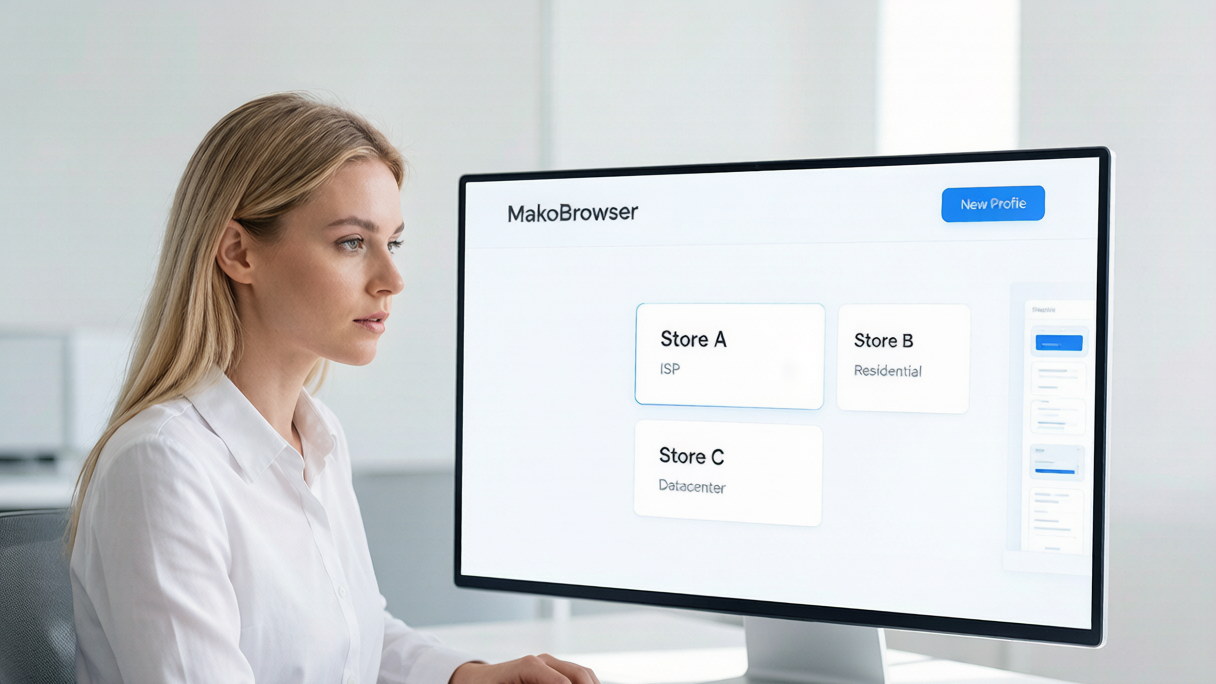
Once you manage many accounts, checking IPs by hand stops being practical, so the check belongs inside environment setup rather than as a separate pass. Tools like MakoBrowser anti-detect browser bind one proxy per profile, so environments and IPs correspond one to one and no two environments ever share a proxy.
The order of judgment when picking proxies can be fixed: first confirm the type matches your need (ISP is usually enough for account warming; scenarios with stricter requirements call for residential), then check cleanliness, and finally confirm the location matches that account's details. Folding that order into profile creation is far more efficient than chasing problems after the fact. The other IP-layer gaps — DNS, WebRTC and IPv6 — were broken down in IP leak detection and repair, and proxy type checking pairs naturally with a leak test. For device-identity consistency, see how to read fingerprint detection tools.
To get the workflow running, download MakoBrowser anti-detect browser and create a few environments, give each one a proxy that passed the check, then walk through the order above.
FAQ
What exactly is the difference between an ISP proxy and a residential IP?
In short, an ISP is a commercial bandwidth range the provider leases from a carrier, registered as ISP and exclusive but not a household connection; a residential IP is registered to an actual home broadband address, usually with a carrier hostname. What they share is that neither is shared with other users. They differ in registration type and sourcing cost, and residential IPs are scarcer and pricier.
How do I tell whether the residential IP I bought is genuine?
Look at the hostname. A real residential IP usually resolves to a full hostname under the carrier's domain, which you read alongside the type field. If the type says residential but there is no hostname at all and org is a commercial company name, verify across two more platforms. Also note that actual supply is limited at most providers — a claim of "plenty of native residential IPs in stock" deserves scrutiny on its own.
If my proxy IP tested clean when I bought it, do I need to check again later?
Yes. IP databases update and the same range can pick up different flags over time, and allocation on the provider's side can change too. Run the three-step check every time you bind a proxy to a new environment rather than trusting only the result from purchase day.
Can one proxy IP serve several accounts?
Not advisable. A shared exit lets the platform read the accounts on that range as a group, which is exactly the linking signal multi-account operations need to avoid. One proxy per environment is the minimum requirement for the premise of an "independent network identity" to hold — and it is why MakoBrowser anti-detect browser binds proxies at the profile level.