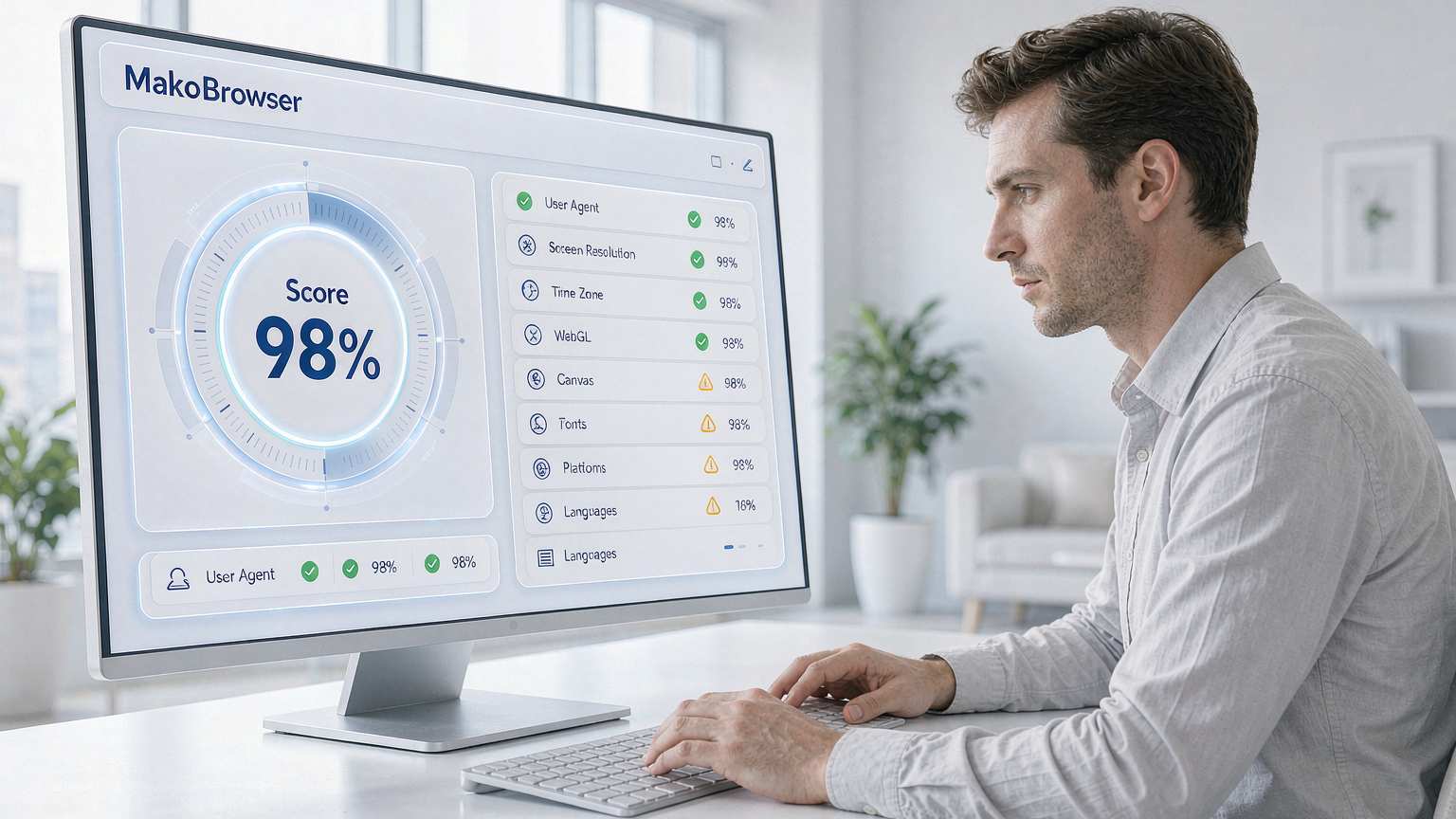
New Profile, Clean Proxy, Still Red? How to Read Fingerprint Checkers
Fresh profile created, clean proxy attached, and the fingerprint test still lights up red. The first instinct is to go and switch off another setting, but the real cause is usually far more mundane: what a detector scores is never "how much you hide" — it is "do your signals contradict each other". This article sorts fingerprint checkers into three types by what they actually read, then gives five principles that apply to every one of them, so you can diagnose most red flags yourself instead of guessing.
What a checker actually reads: five signal groups, one referee logic
Every time your browser loads a page, it hands over a stack of details: operating system, screen resolution, timezone, language, installed fonts, GPU rendering signature and more. No single item points at you, yet together they are enough to pick you out of millions — no cookies required.
Almost every detector keeps reading the same five groups:
- Canvas and WebGL: the browser quietly draws an image with your GPU, and tiny differences in the rendered result are your hardware signature
- WebRTC and DNS: two hidden channels that can leak your real IP from behind a proxy
- Whether IP, timezone and system language corroborate each other
- Fonts and plugins: a Mac-only font on a Windows machine stands out immediately
- Whether the User Agent matches the real operating system
We broke down contradictions like timezone and font mismatches one by one in our Pixelscan consistency deep dive, so we will not repeat them here. What matters is the referee logic: a detector does not judge "outliers", it judges "is the story self-consistent". A profile that claims London time while the IP is registered in Bangkok is a red flag even if every single value looks normal on its own.
Three types of fingerprint checkers: pick the right mirror first
Sort the well-known tools by the way they hold up the mirror, and choosing becomes obvious:
- Verdict tools: they grade the whole profile with a pass or fail. Pixelscan tells you "consistent / not consistent", IpHey rates trust in green / grey / red, and BrowserScan rolls every dimension into one dashboard. Ideal for a quick daily health check.
- Deep and rarity tools: they hunt for lies. CreepJS sets traps on purpose — claim to be device A while the hardware renders like device B, and it marks the spoof and drops your score; Am I Unique shows how rare your fingerprint is, and the rarer it is the more trackable you are; Sannysoft itemizes automation traces.
- Single-signal and privacy tools: each isolates one signal. BrowserLeaks splits Canvas, WebGL and fonts into separate tests; EFF's Cover Your Tracks tells you in plain words whether your browser is protected; ipleak.net focuses on IP and DNS leaks.
There is only one practical recommendation: cross-check with at least two types. They run different scripts and different verdict logic, so any single checker gives you a partial picture. Verdict tools show the total score, deep tools catch spoofing, single-signal tools locate the exact leak — the intersection of all three mirrors is the real state of your setup.
Five principles: a detector judges "a normal person", not "an invisible person"
Forget individual settings. Underneath every checker sit the same five principles:
- Consistency beats hiding. Every signal must tell the same story: OS, UA, fonts, Canvas and language all line up. This is also why "just block fingerprint collection" solves nothing — blocking is not consistency.
- Real beats blank. An ordinary average value is safer than nulls and noise. The goal is to blend into the crowd, not to vanish from it.
- The network layer must speak the same language. The IP's location has to match the timezone and language, with no WebRTC or DNS leaking underneath. A clean proxy that matches the profile beats a pricier line that does not.
- Hardware output must look like a real machine. Canvas and WebGL renders should look like a genuine GPU drew them, not random noise — the whole point of CreepJS is to catch exactly that kind of randomized spoofing.
- No mid-session face changes. A trustworthy profile does not drift halfway through a session; a fingerprint that suddenly mutates looks like automation to a detector.
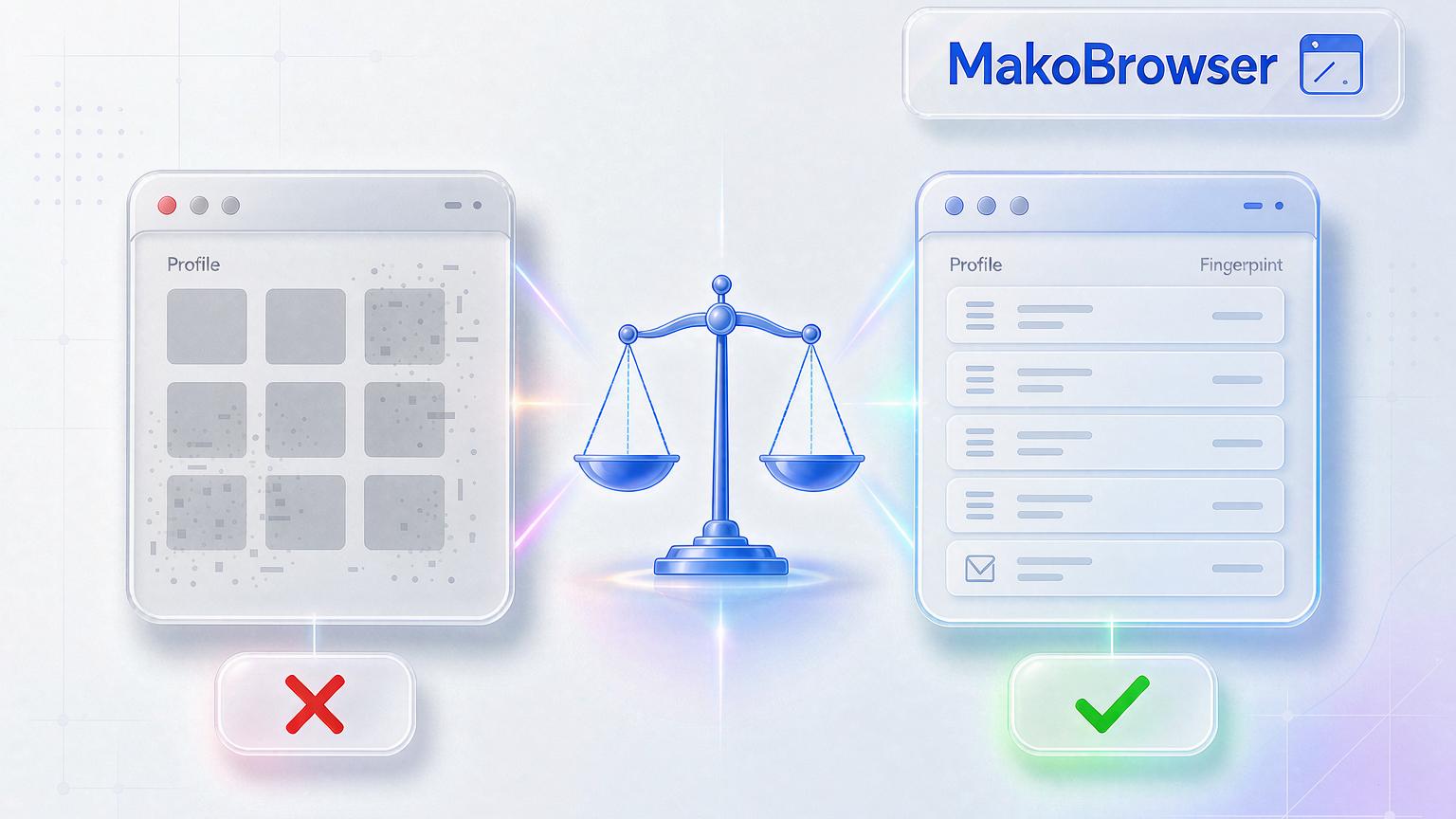
Miss one of the five and the other four cannot save you.
Counter-intuitive: the more privacy-focused the browser, the redder the result
Once people start caring about fingerprinting, the usual move is switching to Tor, Brave, Firefox with resistFingerprinting, LibreWolf or Mullvad. These browsers are genuinely excellent for privacy, yet almost all of them fail fingerprint checkers — precisely because of the first two principles:
- Tor makes every user look identical — uniformity is itself an anomaly signal
- Brave randomizes your fingerprint every session — to a checker that only accepts consistency, random looks suspicious
- Firefox, LibreWolf and Mullvad generalize your values into a generic profile — that is privacy for a human, but to a checker it reads as "someone is hiding something"
In other words, being untrackable and passing checks are two different goals. If what you need is a "clean, consistent, trusted" fingerprint, that is a job for a different category of tool.
One computer, two trusted identities: the real solution to this problem
Applied to real business, these principles are exactly what the antidetect browser category does. A typical case is an agency running dozens of client accounts, each launched from its own clean, isolated environment with no cross-contamination between sessions — impossible with an ordinary browser, because every tab shares the same fingerprint.
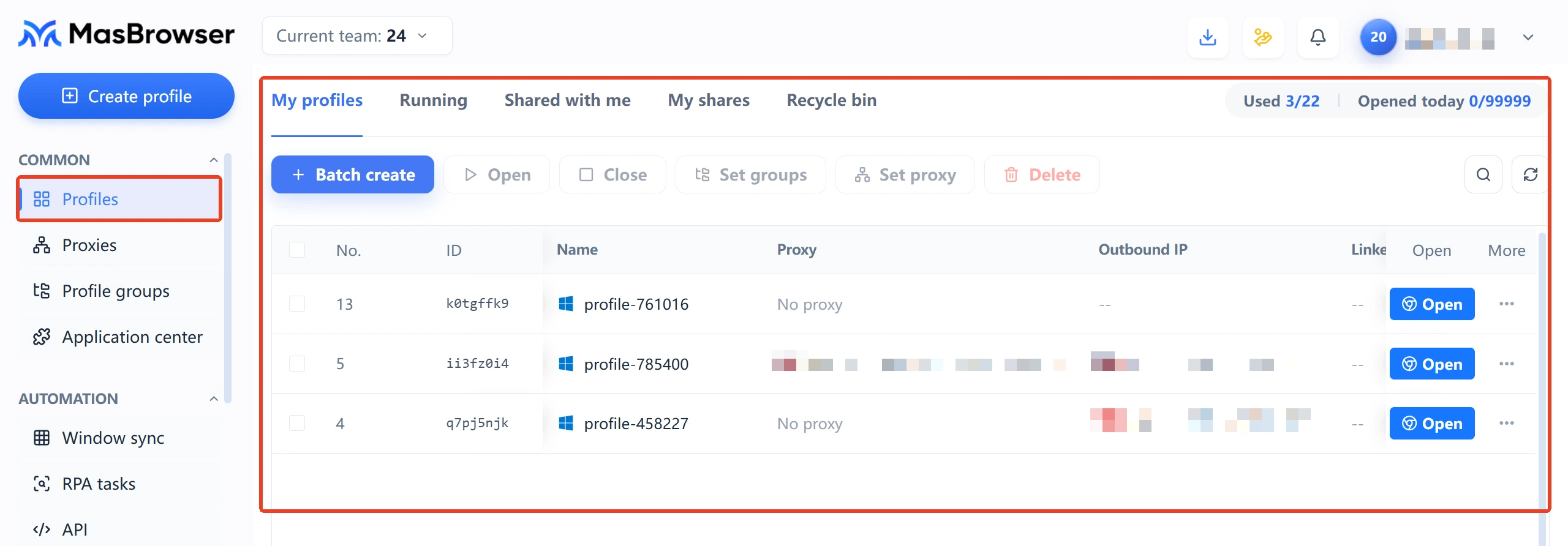
The correct shape looks like this: Profile A is bound to a US residential proxy with timezone, language and IP all aligned, and the checker says "consistent"; Profile B on the same computer is bound to a proxy in another country, also fully green, but its Canvas signature, timezone and language are completely different from A — the two identities do not know each other exist. Fingerprint consistency and environment isolation are two sides of the same coin, and that is the design baseline of the MakoBrowser anti-detect browser: every environment gets one self-consistent profile plus one dedicated proxy, instead of a few tweaked parameters.

A practical self-check routine: run a verdict checker first for the total score, then use a single-signal tool to locate the exact leak (for IP-side channels, see our IP leak test guide), fix, re-test with a different checker, and repeat monthly. If you run many environments and check often, you can run checks per environment inside MakoBrowser, configuring each profile and proxy in one pass and avoiding manual switching mistakes.
FAQ
Which fingerprint checker is the most accurate?
There is no "most accurate", only "complementary". Verdict tools (Pixelscan, IpHey) are best for overall consistency, deep tools (CreepJS) specialize in catching spoofing and randomization, and single-signal tools (BrowserLeaks, ipleak.net) locate specific leaks. Use at least two types together before you trust a conclusion.
Why do Brave and Tor also fail fingerprint checks?
Because their strategy is blocking or randomizing, while checkers grade consistency. Tor makes everyone look the same and Brave rolls a new set of random values every session — to a checker, blank and random do not mean "clean", they mean "hiding something". Privacy hardening and passing checks are two different goals by design.
Can a Canvas fingerprint be faked?
Technically yes, but randomized faking is the worst option: deep detectors like CreepJS specifically recognize randomized render values, and once the output does not look like a real GPU, your score drops even lower. The workable direction is making each environment produce a fixed, realistic rendering signature consistent with all other signals.
How do I keep multiple accounts from being linked by fingerprinting?
Give every account its own isolated environment: a separate fingerprint profile and a separate proxy, with IP, timezone and language aligned. Never log into the same account from two environments. Re-verify each environment's "consistency" regularly with a checker and fix contradictions as soon as they appear.