Cross-Border Ecommerce Matrix Toolkit: From AI Automation to Environment Isolation
We recently ran a quick poll in a few seller communities: teams running matrix accounts, what's actually in your toolbox? The answers varied wildly, but they sorted into five categories. The interesting part: almost everyone had a store builder and a listing tool, yet one category kept getting left out — environment isolation. The more accounts you run, the more this omission costs you.
In this article we lay out the exact list our own team uses: what problem each tool category solves, how to chain them into a system that runs on its own, and why environment isolation should sit at the top of the list.
A quick case study: how one AI system runs a cross-border store
A video about AI-driven cross-border ecommerce has been making the rounds lately. The creator walked through a complete workflow, and I'll break it down here (the numbers are the creator's own estimates — treat them as a way of thinking, not gospel):
The case is an independent store built on Shopify, with over two thousand home-goods products listed. The pages aren't polished — product images are taken straight from suppliers, and each detail page is just a few photos plus a description. Yet after analyzing the store with tools, the creator estimated it pulls hundreds of thousands of monthly visits and, on conservative conversion rates and order values, monthly sales in the million-dollar range.
The logic behind it isn't complicated: products are imported in bulk from supplier platforms, and sheer quantity covers more search terms. Traffic comes mainly from Google ads — users search, see the price, click through, and arrive with purchase intent.
What the creator is really saying is: stop spending time on repetitive work. Product research, image creation, copywriting, title tweaks — hand all of it to AI and automation tools; humans only pick directions, review results, and make decisions.

The matrix account toolbox: five must-have categories
Mapped against this playbook, the toolbox fills five slots:
| Tool type | What problem it solves | Common choices |
|---|---|---|
| Store builder | The foundation of the shop, up and running in hours | Shopify and other independent-store platforms |
| AI assistant | Store setup, copy rewriting, title SEO, data processing | Claude / ChatGPT (paired with a written prompt system) |
| AI image tools | Batch-generating product and lifestyle shots to replace supplier images | Image-generation platforms integrated with mainstream models |
| Bulk listing tools | Importing thousands of products from supplier platforms in one click | Various listing plugins (choose ones that support automation) |
| Traffic channels | Bringing purchase-intent traffic into the store | Google Performance Max campaigns |
The key idea in this stack is locking your process into a prompt system: write detailed instruction documents covering how to set up the store, import products, and optimize images and copy, then let the AI execute step by step — configure once, reuse forever. In the demo, even "import a batch of new products every morning and finish image and copy optimization by noon" was set up as a scheduled job; the system runs while you sleep.
One more detail worth copying: when the AI generates product images, it first extracts the reference image's style instead of copying it outright, which sidesteps copyright risk; and titles and descriptions are packed with relevant keywords so ads can show for more search terms.
The one everyone forgets: environment isolation tools
Five categories in place — can the matrix run now? Not quite. There's still one question: what environment are you operating these accounts from?
That's why the anti-detect browser makes the list. Once you're deep into matrix operations, accounts become assets: an ad account with months of spending history, a store with search rankings — all of it can vanish overnight. And the basis platforms use to judge accounts as linked is precisely the operating environment — the same browser fingerprint and the same IP showing up across dozens of accounts is like drawing connecting lines between them.
In practice, we've found that matrix teams pay their most expensive tuition here: the more automated the toolchain and the more valuable the accounts, the bigger the loss when a linked-account ban wipes them all out at once. So the anti-detect browser's place on the list should be item one, not an afterthought:
- Each store and each ad account gets its own isolated environment with distinct fingerprint parameters;
- Each environment is bound to a dedicated IP whose location matches the account's registered details;
- The team collaborates through permission assignment instead of shared logins;
- AI tools run inside their own environments, with no cross-contamination.
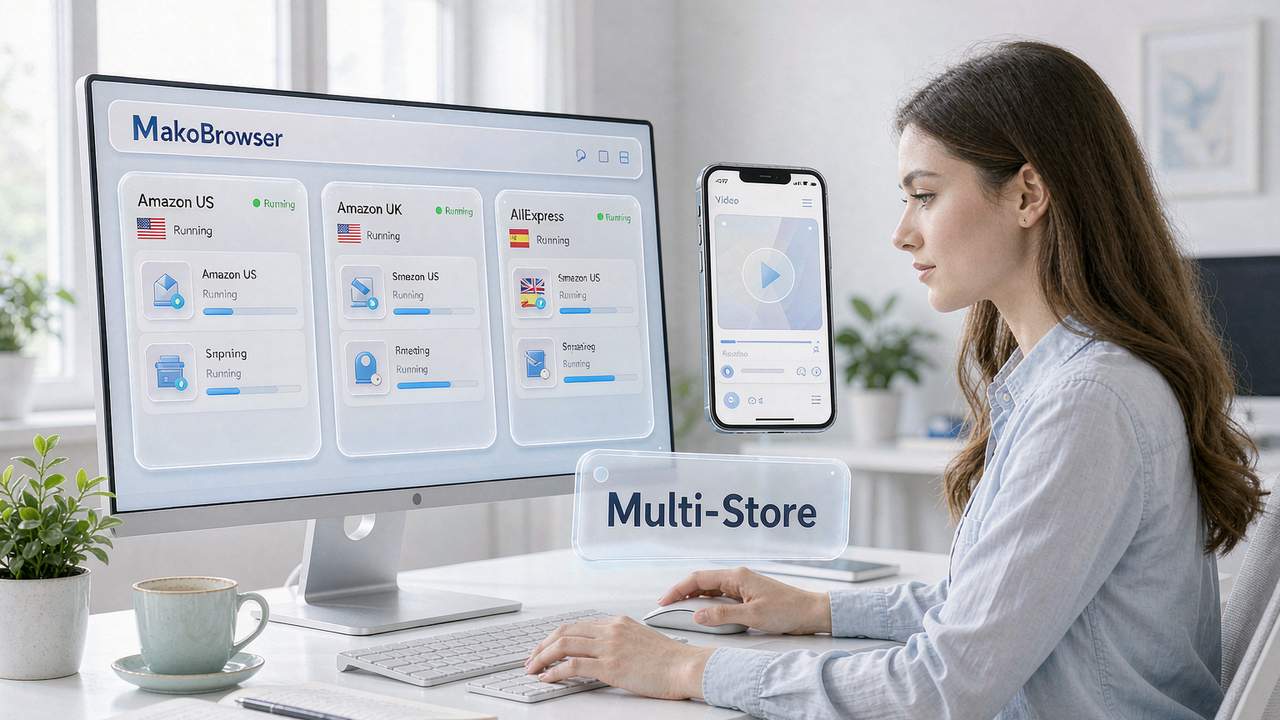
For the full playbook on building a multi-account system and mapping environments one-to-one with accounts, the guide on multi-account operations walks through a complete, ready-to-follow workflow. As for our own choice: the first four tool categories each have strengths, and swapping between them is fine — but for the environment-isolation layer we ultimately landed on MakoBrowser. Its fingerprint, storage and proxy-binding isolation is thorough, and it ships with team permissions and RPA as one system, so the toolchain doesn't need stitching together.
How to chain the tools into a system: five steps to launch
Buying the tools is just the start — chaining them together is what counts:
- Build the foundation: register a store on your builder platform, pick a theme, complete the basic settings.
- Hook up the AI assistant: connect the store platform and image tools to the AI assistant and set up the prompt system — this step takes the most time, but you only do it once.
- Bulk import: use the listing tool to import the first batch of products and tag them for later batch processing.
- AI optimization: have the AI generate product images in bulk, rewrite titles and descriptions, fill in the SEO fields — every product page gets a pass.
- Schedule the pipeline: set "import — tag — optimize — publish" to run automatically every day, and let the system spin on its own.
For traffic, start with Google Performance Max campaigns: test with a small daily budget first, then scale up once you're steadily profitable. For what to watch on the ad-account side, the guide on managing Google Ads accounts covers it thoroughly; if your matrix also runs TikTok, the environment setup chain in the TikTok setup guide is worth following. Configuring tools against both will cut a lot of duplicated spending.
FAQ
Q: Can a single person run this system?
Yes. AI automation pushes the labor requirement way down — run one store solo to validate the process, then replicate it across the matrix. Don't reverse the order: validate first, scale second.
Q: Are more tools always better?
No. One solid tool per slot is enough, and the tools need to chain together (can your listing tool hook into your AI assistant's automation, for example). A pile of disconnected tools just adds management overhead.
Q: Which tool should a matrix team set up first?
Environment isolation. It barely matters with a handful of accounts, but once the numbers grow it's the foundation under every other tool — and when the foundation is shaky, the faster your automation runs, the faster the losses arrive.
Closing thoughts: the more automated the toolchain, the more the environment needs to be yours
Looking back over this list, one trend stands out: AI and automation tools are rapidly eating up the repetitive work in cross-border ecommerce — store building, listing, image creation, copywriting, ad placement can all be handed to the system. But the higher the automation, the more concentrated the account assets, and the heavier the "foundation" of environment becomes.
So our recommended priority order is: environment isolation first, then AI automation and listing tools, and traffic channels last. Fill all five slots, chain them into a system, and your matrix accounts can truly deliver "humans review results, systems do the work."
This list is the actual configuration our team runs today. For the environment layer we use MakoBrowser — download link right here. For the other four categories, swap in whatever works for you — the value of the list lies in being complete, not identical. When our tool picks get updated, I'll note it in the blog hub.