How Fingerprint Browsers Power Multi-Account Operations: From Anti-Detection to a Working Setup
"My accounts died for no reason" is one of the most common complaints in seller groups. One laptop, three Amazon Japan stores, and the third one gets flagged within two days. The product isn't the problem and neither is the launch schedule — the environment is. Three accounts on the same machine behind the same connection look exactly like one person juggling three stores.
That's the point where an anti-detect browser stops being a nice-to-have and becomes standard kit. Tools in this category, MakoBrowser among them, exist to make every account look like a different person on a different device. Below is what they actually do, followed by a full walkthrough for building a one-store-one-environment setup from scratch.
What a Fingerprint Browser Actually Does for Multi-Account Work
Strip away the marketing and most anti-detect browsers come down to four capabilities, each aimed at one specific weak point in multi-account operations.
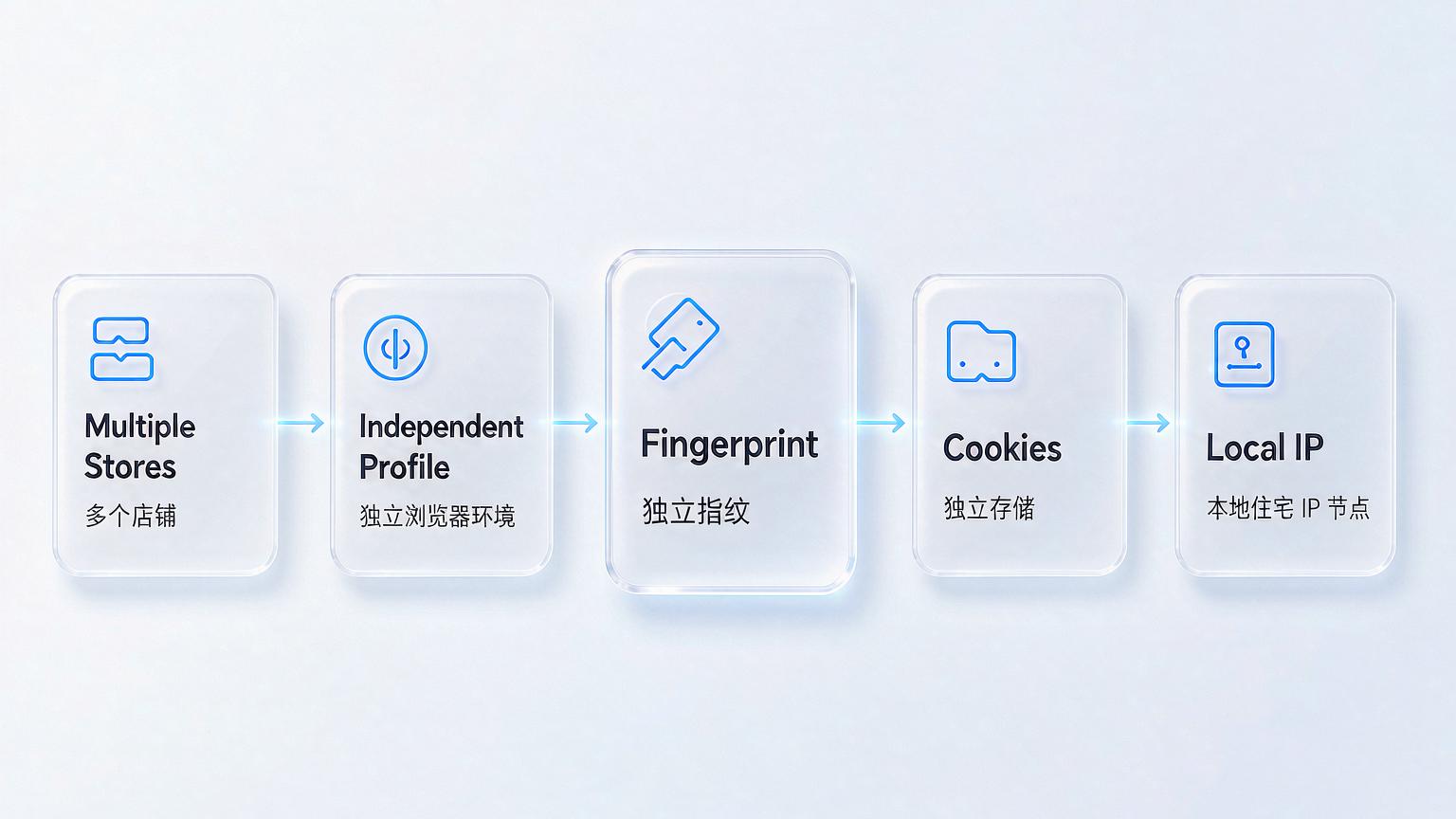
- Environment isolation — every account runs inside its own profile, with separate Cookies, cache, and local storage. Log into store A and store B stays logged out. This is the foundation of "one store, one environment."
- Fingerprint independence — Canvas, WebGL, fonts, timezone and other browser parameters are generated per environment. In practice, a lot of account linkage starts with identical device parameters rather than shared Cookies. Independent fingerprints remove that layer.
- Proxy binding — each environment gets its own exit IP. Account and IP match, and the IP location matches the store's registered country, so you never land in the contradictory spot of a China-based seller running on a US IP.
- Bulk operations and teamwork — managing hundreds or thousands of environments by hand is not realistic. Bulk actions and team permission controls are what turn "run 500 stores" from a fantasy into a workflow.
These four stack on each other. Without environment isolation, fingerprint independence means nothing. Without proxy binding, the first two layers cannot save you from a network-level mismatch.
Why You Need Residential IPs: Datacenter vs. Residential Proxies
An anti-detect browser handles the device layer, but platforms cross-check device, data, and network. The two IP types below behave very differently in multi-account setups:
- Datacenter IPs — cheap and plentiful, but risk engines identify them instantly as "not a real user." In a multi-account context they are close to turning yourself in.
- Residential IPs — assigned by a local ISP to real home broadband. Location, ASN type, and IP type all match an ordinary household user, so detection systems see almost nothing "non-personal."
We tested this: same anti-detect environment, two hours on a datacenter IP versus two hours on a residential IP. The datacenter run drew risk flags far more often. That doesn't make residential IPs magic — it makes datacenter IPs a near-certain risk multiplier. Pick residential IPs against three criteria: genuine residential ASN, dedicated rather than shared, and a stable location. When business is slow, push a sample through checkers like ipipla or ipqualityscore before you pay for anything.
Building Your First Environment: Five Steps
Here is the version of the workflow I have repeated many times. Every step has a pass criterion; if a step fails, stop there and fix it before moving on.
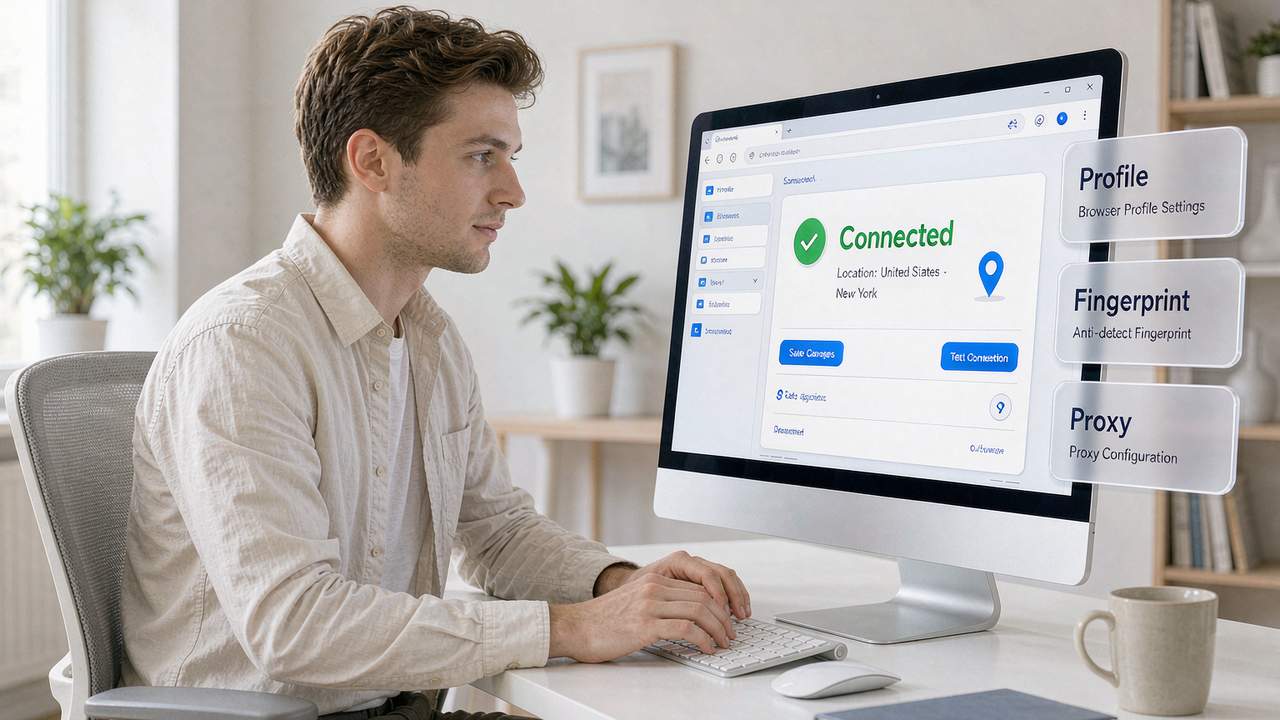
- Create a browser profile. Whether you use Hubstudio, AdsPower or MakoBrowser, click "New profile," choose the Chrome kernel, set the OS to Windows, and name it "platform + region + purpose" — for example "Amazon-JP-Shop1" — so bulk management stays manageable later.
- Configure the proxy. Select SOCKS5, then fill in host, port, username and password from your residential IP. Run the built-in proxy test: green means you're through, red means go check your network.
- Align local parameters. Timezone, language, and geolocation all have to match the IP's location. A Japanese IP gets Japanese language; a Los Angeles IP gets English (United States). Never let the parameters contradict each other.
- Verify with IP checkers. Open a third-party checker such as ipipla or ipqualityscore and confirm the ASN belongs to a dual-ISP carrier, the IP type reads "native residential broadband," and the fraud score is low. This quality check is not optional.
- Build the next store's environment. Open another isolated profile for store two and bind a second, independent residential IP. Data stays fully separated between the two, so one bad apple won't take the rest down with it.
Budget 10–15 minutes per store. Once the flow is smooth, save your common settings as a template and spinning up a new environment takes seconds.
Frequently Asked Questions
Q: Can several accounts share one IP? No. A shared IP is the most direct evidence of linkage at the network layer, and someone else's violation drags your account down with it. One store, one dedicated IP is the floor, not the ceiling.
Q: Does an anti-detect browser guarantee my accounts won't be banned? No. It lowers device- and network-level linkage risk. Reused registration data, identical behavior patterns, and rule changes on the platform side are all outside its reach. Treat it as a tool, not a shield.
Q: Why am I still getting linked even with an anti-detect browser? It is usually one of three things: the wrong IP, parameters that contradict the IP, or leftover shared data between environments. Debug backwards through proxy test → IP check → cross-environment Cookie inspection.
Getting the Environment Right the First Time
Back to the opening case: three Japan stores on one computer, the third flagged within two days. Broken down, the problem was never product selection or launch timing. It was three accounts crammed into one set of device parameters behind a single network exit.
Three things are worth carrying away. First, preventing account linkage means splitting the environment — one store, one environment, one IP — and cutting this corner means patching holes forever. Second, residential IPs are not mysticism; their value is making you look like an ordinary local household user, which a datacenter IP simply cannot do. Third, the setup itself isn't complicated at five steps, but each step needs to pass a real acceptance check rather than a "looks about right."
Get those three right and multi-account operations can actually be stable. The tool only hardens the process; how far your accounts go still depends on operating discipline and compliant registration data. If you want to put this into daily practice, start by Download MakoBrowser and run the five steps on a single test profile; more hands-on material on multi-account operations lives in the MakoBrowser blog.