Why Pixelscan Still Flags You After an IP Change: Consistency Is What Matters
Every multi-account operator knows the frustration: the proxy is new, the cookies are wiped, and the test page still comes back red. The problem is rarely that you "changed too little" — it is that your environment contradicts itself. The proxy says New York while the system clock runs on Berlin time. Modern detection services such as Pixelscan no longer ask what you modified; they ask whether the identity you claim matches how your device actually behaves. This article breaks down the four most common contradictions and ends with a checklist you can run today.
What Pixelscan actually measures: from traits to contradictions
Pixelscan's core logic is a consistency audit: the browser environment is treated as a set of mutually reinforcing signals, and any logical conflict between them exposes the whole identity as a disguise.
Older detection engines hunted for "bad traits" — known automation signatures, outdated parameter combinations. Swap in fresh values and you slipped past. That era is over. Today's engines cross-validate network signals, hardware limits and rendering behavior in one matrix. Each individual reading looks harmless; together they are mathematically impossible for a genuine device.
Peer tools divide the work differently. CreepJS digs deep into API tampering, while Pixelscan focuses on an overall consistency score and is widely used by risk teams as a baseline. For anyone running multiple accounts the takeaway is blunt: you can fill in any parameter you like, but the relationships between parameters cannot be faked.
Flagged despite a new IP: the four most common contradictions
These four gaps account for most "but I configured everything" cases. Work through them one by one and you will usually locate the leak.
-
Timezone does not match geolocation. Traffic exits through a New York proxy (UTC-5) while the machine clock runs on Berlin time (UTC+1) — the classic, lowest-grade giveaway. One call to
getTimezoneOffsetexposes the real system timezone, which the engine then cross-checks against system language, the geolocation API and the proxy's network (ASN). When the claimed location drifts too far from the hardware's actual position, the flag fires. -
Font rendering betrays the operating system. Pasting a macOS User-Agent into a Windows host is the most common manual slip. The engine renders hidden text in an off-screen Canvas and analyzes the pixel grid: Windows uses DirectWrite, Apple uses Core Text, Linux uses FreeType — and each engine's sub-pixel layout is baked into its kernel. Changing a text string cannot fool C++-level font metrics.
-
WebGL exposes the "fake laptop". Cloud phones and GPU-less virtual servers usually render through software rasterizers like SwiftShader. When an environment claims to be a MacBook Air but diagnostics read software-rendered vendor strings, the contradiction is settled on the spot — no consumer laptop draws 3D interfaces with a server fallback.
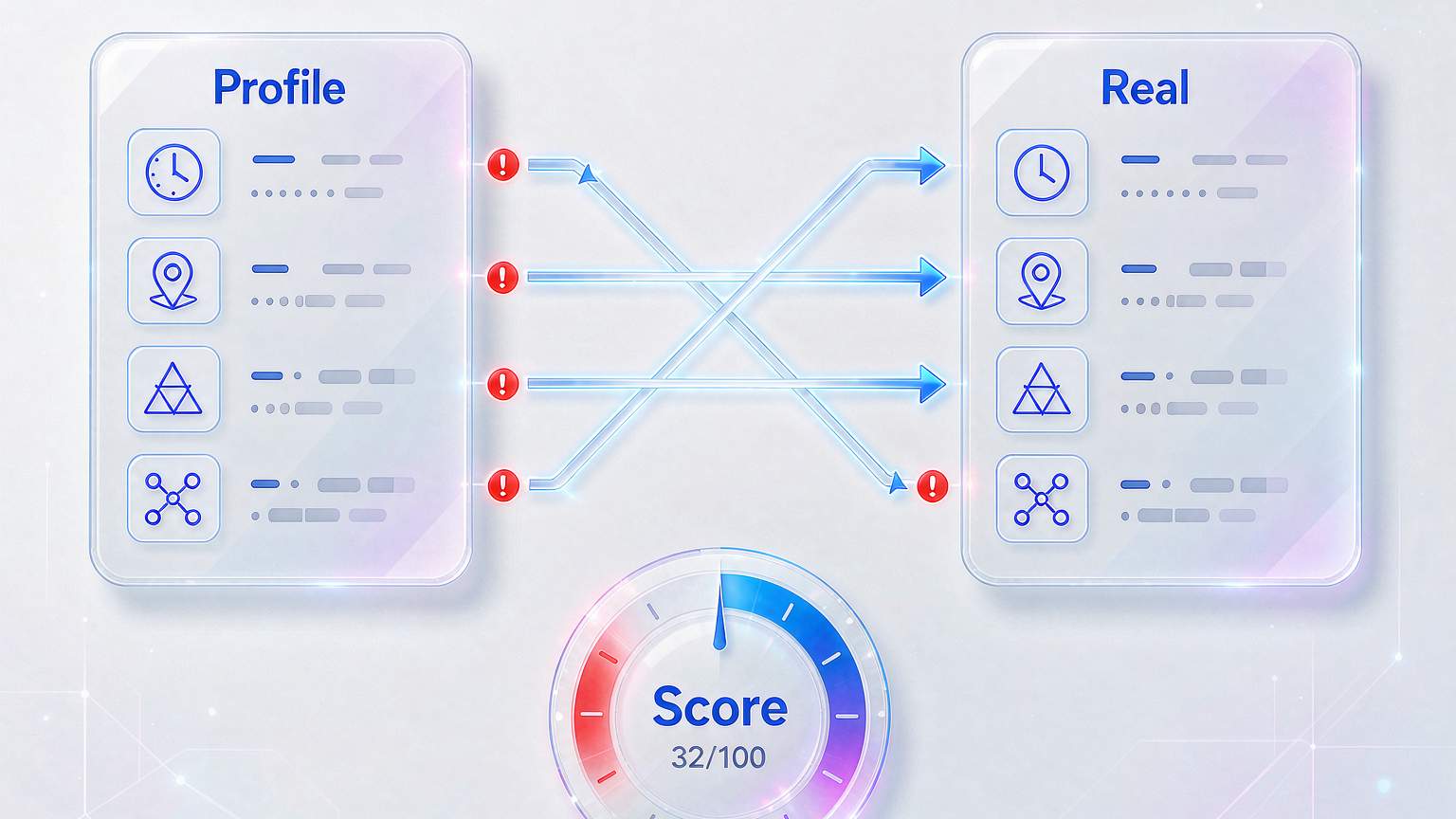
- WebRTC leaks your real address around the proxy. Page traffic rides the proxy tunnel, but WebRTC — a peer-to-peer protocol built for calls — opens its own channel. A single ICE request from the tester can reveal your local or ISP address, which Pixelscan compares against the proxy IP. Two different addresses and the proxy is a paper wall. One sentence sums it up: an environment is only as trustworthy as its weakest contradicting signal.
Three frequent mistakes — most people trip on the second
All of these are manual errors. The tools are fine; the assembly is not.
-
Copy-pasting User-Agents. Lifting a macOS UA from a tutorial into a Windows host changes the string but not the rendering behavior — effectively announcing the disguise.
-
Managing the proxy, ignoring the system. The proxy is set to Los Angeles while system timezone, language and number formats stay local. Every one of them contradicts the proxy.
- Running high-value accounts on cloud phones or GPU-less environments. Software rendering is written all over the WebGL readings. Fine for quick tests; carrying a known contradiction into long-term accounts is self-sabotage.
A consistency checklist: five checks before go-live
Instead of trial and error, make this list a fixed pre-launch routine:
- Proxy location matches the system timezone — city-level alignment beats country-level.
- System language and regional formats corroborate the proxy location; no "English system, Brazilian proxy" combos.
- The OS declared in the User-Agent matches what Canvas and WebGL actually render — ideally the whole environment runs on that OS natively.
- WebRTC is either fully disabled or confirmed to route through the proxy exit; mismatched IPs are a red light.
- After setup, run one full scan on the test page and clear every contradiction flag before real use.
Make consistency the default, not a manual chore
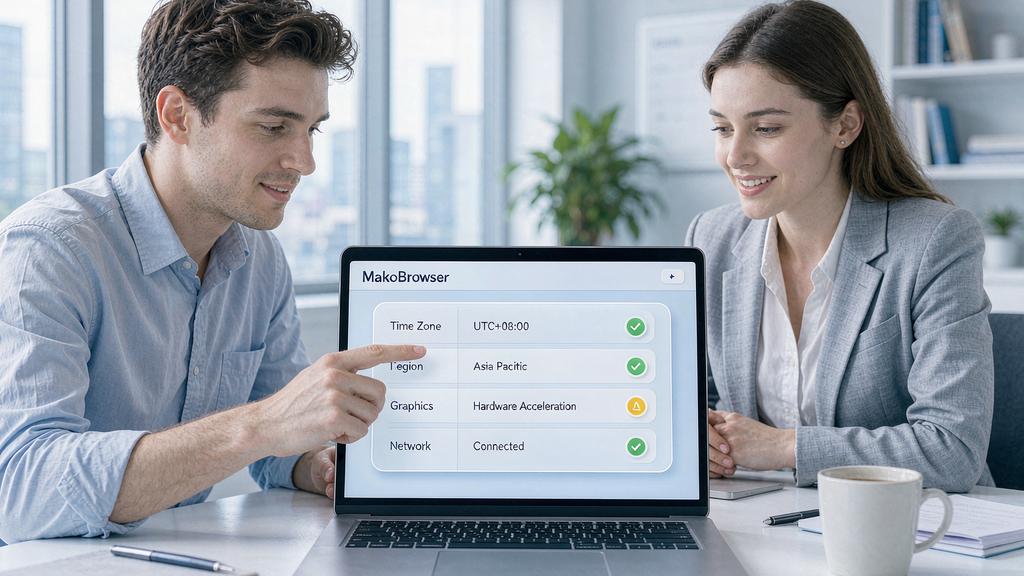
Balancing dozens of parameters by hand almost guarantees a missed detail — which is why fingerprint consistency became a core capability of anti detect browsers. MakoBrowser builds the alignment into the environment itself: every account runs in its own profile with fingerprints, cookies, proxies, timezone and language managed separately; per its official documentation, environment parameters align around the proxy metadata as a whole rather than being tuned one by one. Claims like these deserve verification with the checklist above during your own trial — your test results are the final word.
If "flagged despite a new IP" sounds familiar, download the MakoBrowser client, audit your existing profiles against the checklist, then lock the configuration flow into your standard setup.
Frequently asked questions
Why does Pixelscan still flag me even with a residential IP?
Residential IPs fix address quality, not internal contradictions. Any conflict between timezone, system language, font rendering or a WebRTC leak and the proxy location will be caught by the consistency audit. Run the five-point checklist first — it usually pinpoints the exact contradiction.
Are cloud phones really safer for running accounts?
Cloud phones remove local setup, but most rely on software rendering, and the WebGL readings expose the "no real GPU" fact — a clear deduction in any consistency audit. Acceptable for lightweight tasks; for long-term high-value accounts, prefer a desktop environment with real hardware rendering.
Will checking myself on Pixelscan repeatedly hurt my score?
The test page reads signals your browser sends anyway; the act of checking adds no penalty. What matters is the contradiction each check reveals. Use one fixed, well-configured profile for testing and treat the score as an environment health metric.