Top 10 Antidetect Browsers in 2026: Positioning, Pros, Cons, Pricing & Use Cases
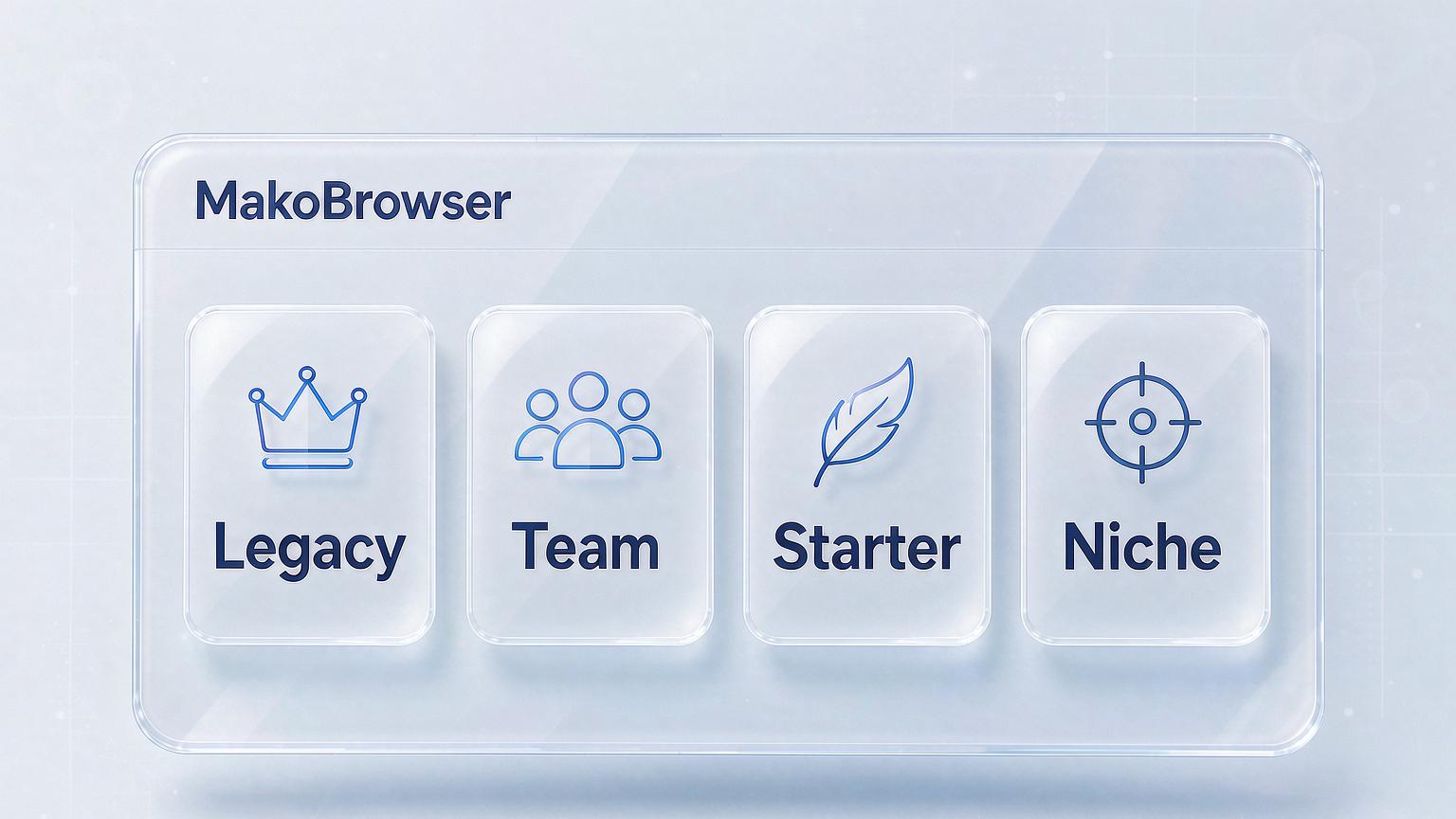
Every year, people ask "which antidetect browser is the best?" — and there is no single right answer. Each tool is built for a specific type of user, and how well it fits you matters far more than any ranking. This guide groups the 10 most talked-about antidetect browsers of 2026 into four categories by use case, and breaks down what each one is for, along with its strengths and weaknesses. Let's be upfront about one thing: MakoBrowser is our own product. We'll describe its strengths and its ideal users honestly — no hype, no bashing. Descriptions of the other 9 tools are based on public information and our team's hands-on experience; for exact features and prices, always check each vendor's official site.
The Veterans: Multilogin and Linken Sphere
Multilogin is one of the founding tools of this industry. Nearly a decade in, its fingerprint management and profile isolation are first-rate, aimed at professionals and enterprises. Its weakness is just as direct: the price. Teams with healthy budgets and strict stability requirements should look at it first; individual users are often priced out.
Linken Sphere has been doing browser profile isolation and fingerprint management since 2017 — experienced and feature-complete. Compared with newer platforms, however, its interface and user experience feel more "hardcore," better suited to veterans willing to tinker.
Team and Automation Workhorses: AdsPower, Octo Browser, NST Browser
AdsPower is a big name among multi-account browsers. Profile management, team collaboration, and automation are all solid, which is why proxy and ad-arbitrage teams use it heavily. More features mean a steeper learning curve — give yourself a week or two to adjust.
Octo Browser focuses on profile management and team workflows for professional users, with finely tiered subscription plans (at the time of writing, its site listed everything from entry-level to team tiers; check the official page for current pricing). It suits multi-person teams that take permissions and processes seriously.
NST Browser differentiates itself with the "cloud": a free tier is available, and its enterprise cloud-browser offering is friendly to automation and bulk profile management — a good fit for developers, testers, and anyone who wants to plug profiles into automated workflows. Complete beginners will face a learning curve.
Lightweight and Easy: GoLogin, Hidemyacc, Incogniton
GoLogin is one of the best-known options, striking a good balance between profile management, fingerprint protection, and interface usability. There's also a 7-day free trial, so it's a safe first stop for beginners. Its reviews on platforms like Capterra are consistently solid.
Hidemyacc has a self-explanatory name — "hide my accounts." It's lightweight, built around multi-account isolation, and suits individual users on a budget with straightforward needs.
Incogniton aims to make profile management affordable for both individuals and teams: isolated profiles, fingerprint protection, team collaboration, and an easy interface — the "not the most complete, but good enough" middle ground.
Niche Players: Kameleo and Dolphin Anty
Kameleo focuses on deep fingerprint management and cross-device profile emulation. Its site positions it as "built for efficient web scraping" — teams doing data collection, browser testing, or privacy research should take a close look.
Dolphin Anty is well known in the affiliate marketing world. It supports large-scale account management, offers a free tier to try, and is designed for media buyers and traffic professionals, with team collaboration covered too.
Straight From Us: Who MakoBrowser Is For
Each of the nine tools above has its fans. When we built MakoBrowser, our positioning was clear: a "fairly priced, reliable long-term" everyday tool for people who take multi-account work seriously.
- Fairly priced: at comparable feature levels, our pricing is much friendlier to individuals and small teams, with flexible limits on profile counts and seats — you won't need to upgrade in a panic as you scale;
- Reliable long-term: profiles that survive long sessions without crashing, logins that don't get dropped, and hassle-free updates — these are the top three items on our internal acceptance checklist;
- Complete enough out of the box: fingerprint configuration, profile management, proxy binding, team permissions, and detection-report archiving are all built in, so you don't have to stitch together third-party tools.
It's a fit for individuals and small teams starting from around a dozen profiles and planning to stick with it. Of course, this is our own assessment — whether it holds up, you can judge by running your real workflow through the free quota.
How to Decide With This List
Three steps are enough:
- Define your scenario first: solo experimentation, team collaboration, or studio-scale scaling — each maps to a different category above;
- Narrow it down to two or three candidates: don't install everything; compare free quotas and pricing tiers instead;
- Test with your real workflow for a week: create profiles, bind proxies, run daily operations, watch stability — then decide whether to pay.
For a more systematic selection framework — how to score fingerprint depth, profile management, proxy support, stability, team collaboration, and pricing across six dimensions — we broke it down in our antidetect browser buying guide. The two articles work best together.
Picking a tool is only the beginning. Whether your accounts stay healthy long-term depends on environment isolation (the principles are covered in our social media account anti-association article) and daily management discipline (our multi-account management guide has a complete playbook). Multi-person teams also need well-designed permissions — see our team collaboration management article.
FAQ
Is this ranking ordered? No. The four categories are grouped by use case, not by quality — the same tool can be beloved by one person and frustrating for another, depending on your scale and purpose.
Is the free tier enough? Enough to evaluate a tool, not enough to run a business. Most platforms limit profile counts on free plans; treat the free quota as a trial period.
Are pricier tools safer? Not necessarily. Price differences mostly reflect team features, support, and brand premium — core fingerprint capabilities are converging across vendors.
Can these browsers guarantee my accounts won't get banned? No, and no tool can. Tools address association risk at the environment level; account quality and platform rules remain the biggest factors.
Final Words: There's No "Best," Only the Best Fit
Having reviewed all ten, you'll notice how mature this industry has become: veterans are stable, newcomers are fast, and niche tools are sharp. The key to choosing has never been "who's strongest," but "who matches your scale, budget, and team shape."
Our advice is always the same: shortlist two or three candidates, test them for a week with the free quota, and let the data decide. MakoBrowser's free quota is enough to run this full validation (download here) — and when you migrate profiles, remember to bring your Cookies along. Don't let your accounts' hard-earned history break on the way to a new tool.