Fingerprint Browsers for Facebook Accounts: Stopping Multi-Account Link Bans
If you run more than a couple of Facebook accounts, you probably know the feeling. You spend weeks warming up thirty profiles, everything looks healthy, and then one morning a whole batch gets flagged at once and taken down together. The cause is almost never the accounts themselves — it's the environment. Several accounts shared one machine, one network, even one set of browser parameters. Facebook's risk engine isn't trying to work out whether you are one person. It's asking a much narrower question: do the device fingerprints behind this cluster of accounts look like one computer wearing different clothes?
An anti-detect browser — a fingerprint browser — exists precisely to break that sameness. Below is what it does in a Facebook workflow, why templates matter more than any other single feature, and a setup you can copy today.
Four Jobs a Fingerprint Browser Does in Facebook Account Management
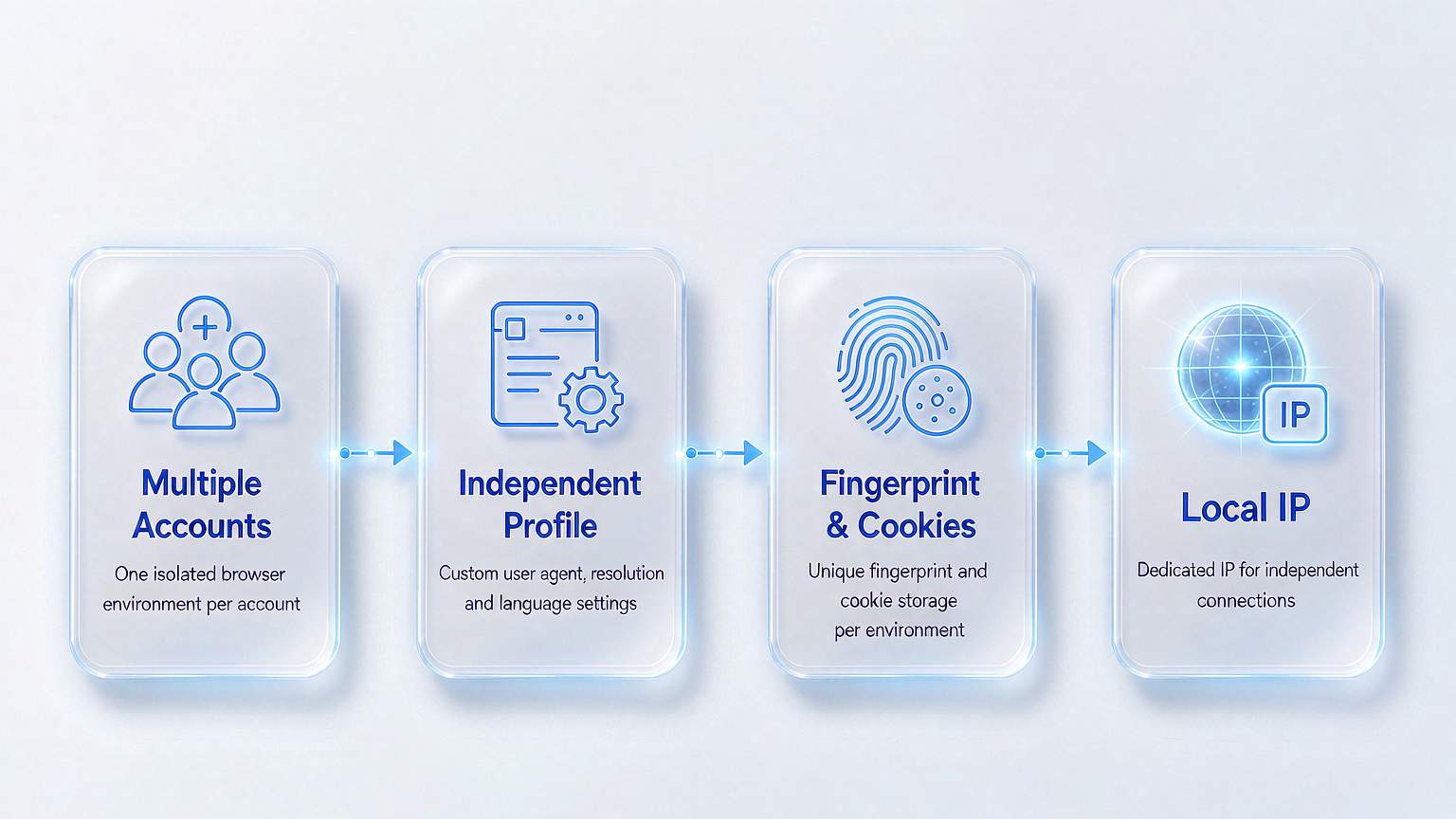
Strip away the marketing and every anti-detect browser on the market is doing the same four things. Each one maps onto a specific failure point in multi-account Facebook operations.
- Environment isolation. Every Facebook account runs inside its own Profile, with Cookies, cache and local storage kept separate. Account #1 can stay logged in for weeks while account #2 opens a fresh window with no leaked session state. This is the foundation of the "one account, one environment" rule.
- Independent fingerprints. Canvas, WebGL, fonts, timezone and language are generated per Profile instead of per browser. This is the parameter set Facebook's anti-abuse systems weigh most heavily, and it's why opening ten normal browser windows achieves nothing — all ten report the same fingerprint.
- Proxy binding. Each Profile binds to its own proxy exit. Facebook operations usually mean accounts tied to different regions or different identities, and without a dedicated IP even a perfectly clean parameter set gets flagged.
- Bulk creation and templates. Running 50 or 100 accounts by hand isn't realistic. Fingerprint browsers let you save a validated configuration as a Profile template and spin up every new account from it. This is the feature that turns "manage dozens of accounts" from fantasy into a Tuesday afternoon task.
These four stack. Drop any one of them and the whole setup gets shaky.
Why Templates Matter Once You Run Accounts in Bulk
People who haven't used a fingerprint browser tend to underestimate bulk tooling. The pattern we see most often: one operator responsible for 80 BM (Business Manager) accounts, each with several ad accounts underneath. Configuring 80 environments by hand at ten minutes each is 13 hours of work — and 13 hours of small inconsistencies that will eventually trip a check.
Profile templates remove that repetition. You tune one reference Profile until it passes verification, save it as a template (fingerprint type, operating system, timezone, screen resolution, proxy type), and generate every new account from it in seconds. Facebook no longer sees "80 environments that look vaguely similar." It sees 80 unrelated real devices.
Templates also give you a quiet second benefit: instant rollback. When an environment goes bad, delete it and regenerate from the template. The new Profile is byte-for-byte identical to the old configuration, with no trace of a repair job.
One Account, One Environment: A Five-Step Setup
Here's the version we've rebuilt more than once. Five steps to a multi-account base that actually holds.

- Install and sign in. Download the client for your operating system from the anti-detect browser's official site and log in with your registered account. The mainstream tools overlap heavily on features; they differ in fingerprint quality ceiling, team collaboration and price.
- Connect your proxies. Add your proxy pool under the Proxy menu and aim for one dedicated IP per account. For Facebook work, residential IPs are the safer default — datacenter ranges carry noticeably more risk.
- Build one reference Profile. Configure a single account until it passes checks, then save it as a template: fingerprint type set to common real-device parameters, operating system matched to your target market, timezone and language aligned with the proxy IP's location.
- Generate the rest from that template. Clone every other account from it and give each one a naming convention you can read at a glance — platform, region, purpose, index, e.g.
FB-US-PixelA-01. It saves real time once a second person touches the setup. - Verify Profile by Profile. Run each Profile through a third-party fingerprint checker (Pixelscan, IPhey, ipqualityscore) and confirm Canvas, WebGL, WebRTC, fonts and timezone match the target country before the account goes into production.
Budget half a day for the first build, most of it tuning the template. After that, new accounts are a minutes-level job.
Frequently Asked Questions
Do I really need a fingerprint browser for Facebook? Not always. One or two accounts are fine in a regular browser. Risk climbs noticeably once you pass five, and beyond 50 accounts it's effectively mandatory.
Should I hard-code a proxy IP into the template? No. Keep the template generic — fingerprint, OS, timezone, resolution — and bind a dedicated proxy to each Profile after generation. It's easier to maintain and far easier to swap.
Why am I still getting banned with a fingerprint browser running? It's usually one of three things: the wrong IP type, parameters that contradict the IP's location, or Cookie residue leaking between environments. Run the verification step on every Profile, find the ones that only look normal, and rebuild them from the template.
What Actually Keeps 80 Accounts Alive
Back to the opening problem — why thirty accounts die together. Facebook isn't judging whether you're one person; it's judging whether the device fingerprints behind those accounts look like a single machine. If you want it to see thirty unrelated devices, you have to separate the three layers one at a time: environment, fingerprint, proxy.
In a Facebook workflow the highest-leverage move is the template. Get one reference Profile through verification, save it, and inherit all 80 accounts from it. You skip the repeated configuration work and you avoid parameter drift from hand-tuning. Two things still can't be skipped: a dedicated proxy per account, and one third-party verification pass per new account. With those three in place, multi-account management stops being a gamble.
Tooling is what makes the process sustainable; how far the accounts go still comes down to how cleanly you operate. If you're ready to build, start with Download MakoBrowser, create one test Profile and walk through the five steps. More Facebook and social media multi-account walkthroughs are published on the MakoBrowser blog, and the full feature set is on MakoBrowser.