Fingerprint Browser RPA Automation: A Complete Workflow for Multi-Account Batching
Do the math first. Say you run 20 accounts, and each one needs a daily cycle of logging in, browsing, posting, and logging out. Ten minutes per account means 200 minutes a day—more than three hours gone, every single day. And that's just 20 accounts. Teams running account matrices routinely handle dozens or even hundreds.
I recently watched a feature review video of an antidetect browser where the presenter walked through a full automation stack: RPA scripts, window synchronization, cloud phones, scheduled tasks, and operation logs. The thinking transfers regardless of the tool—what matters is the methodology: hand repetitive actions to scripts, and let humans handle judgment and validation. This post breaks down "fingerprint browser + RPA" from the ground up.
What RPA in a Fingerprint Browser Actually Solves
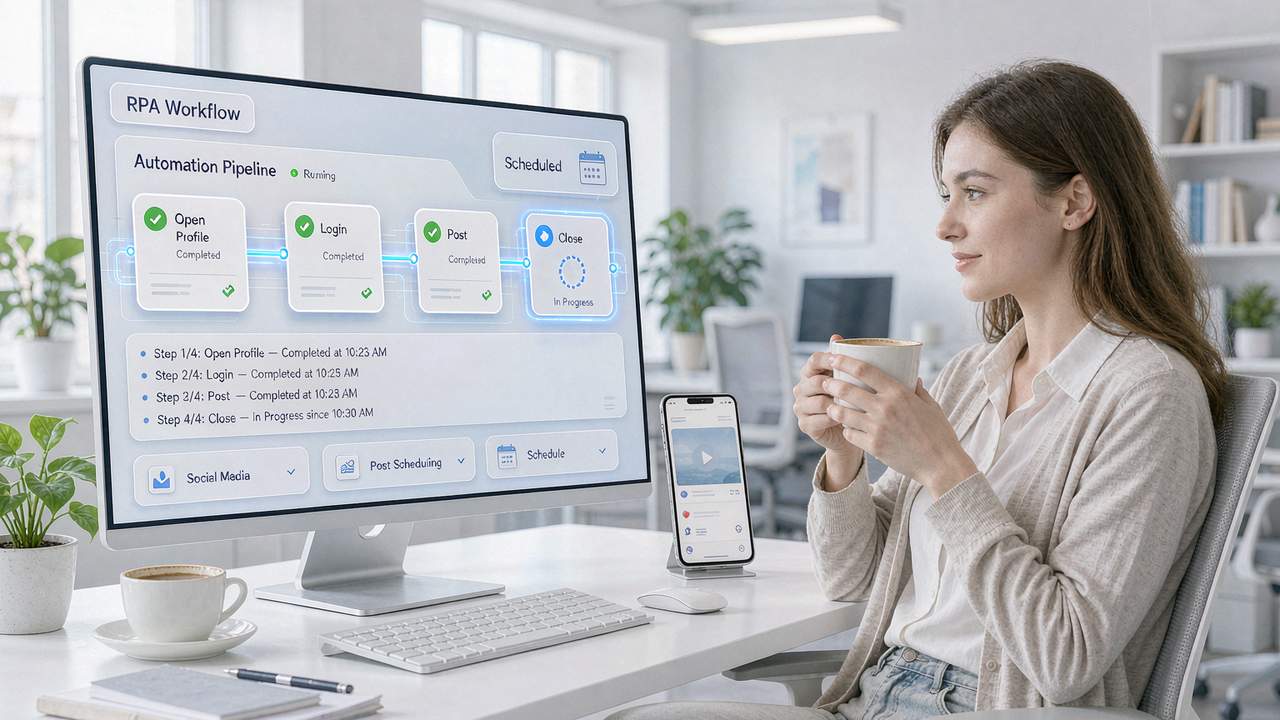
RPA (Robotic Process Automation) is simple at its core: record a set of actions as a script, then let the system replay it in a designated environment. Opening pages, logging in, posting, logging out—basically anything you can do in the UI, a script can do too.
What it solves isn't a "technical problem" but a "human endurance problem." Account warming, daily check-ins, content distribution, data collection—none of these are hard. The hard part is doing them every day without missing an account or making mistakes. When humans do repetitive work, focus slips by day three and motivation dies by day ten. A script performs its hundredth run exactly like its first.
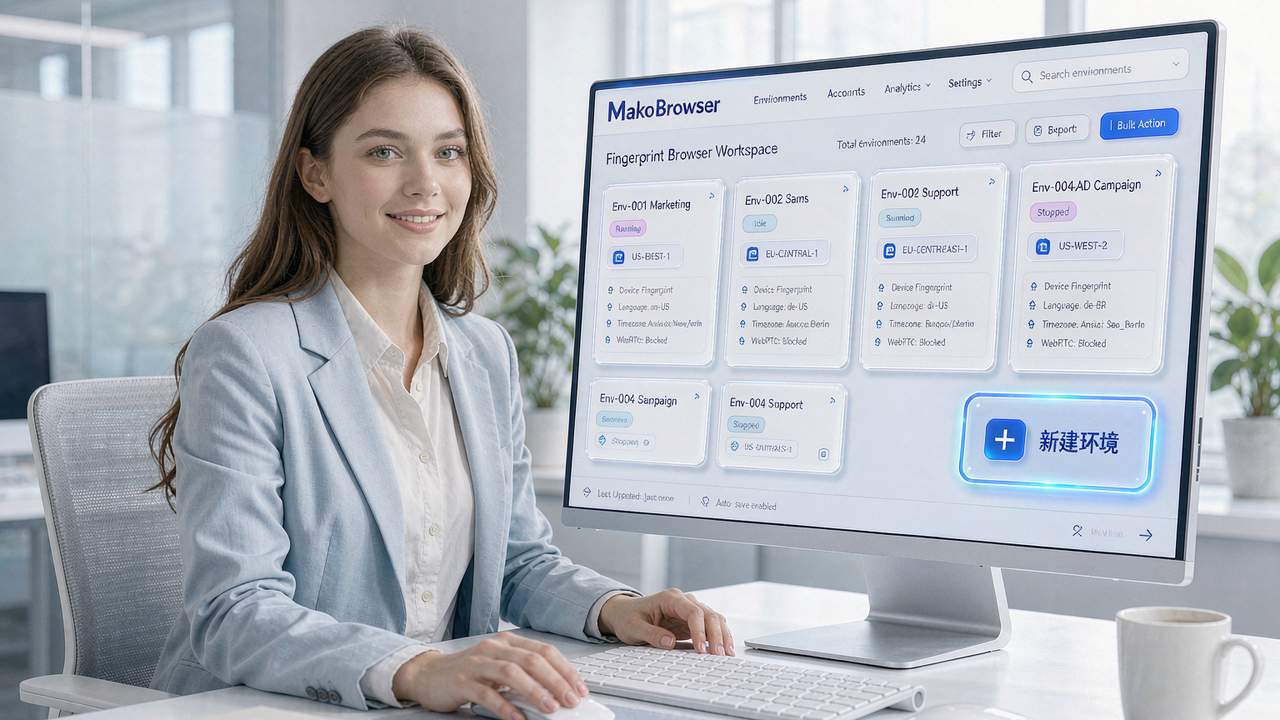
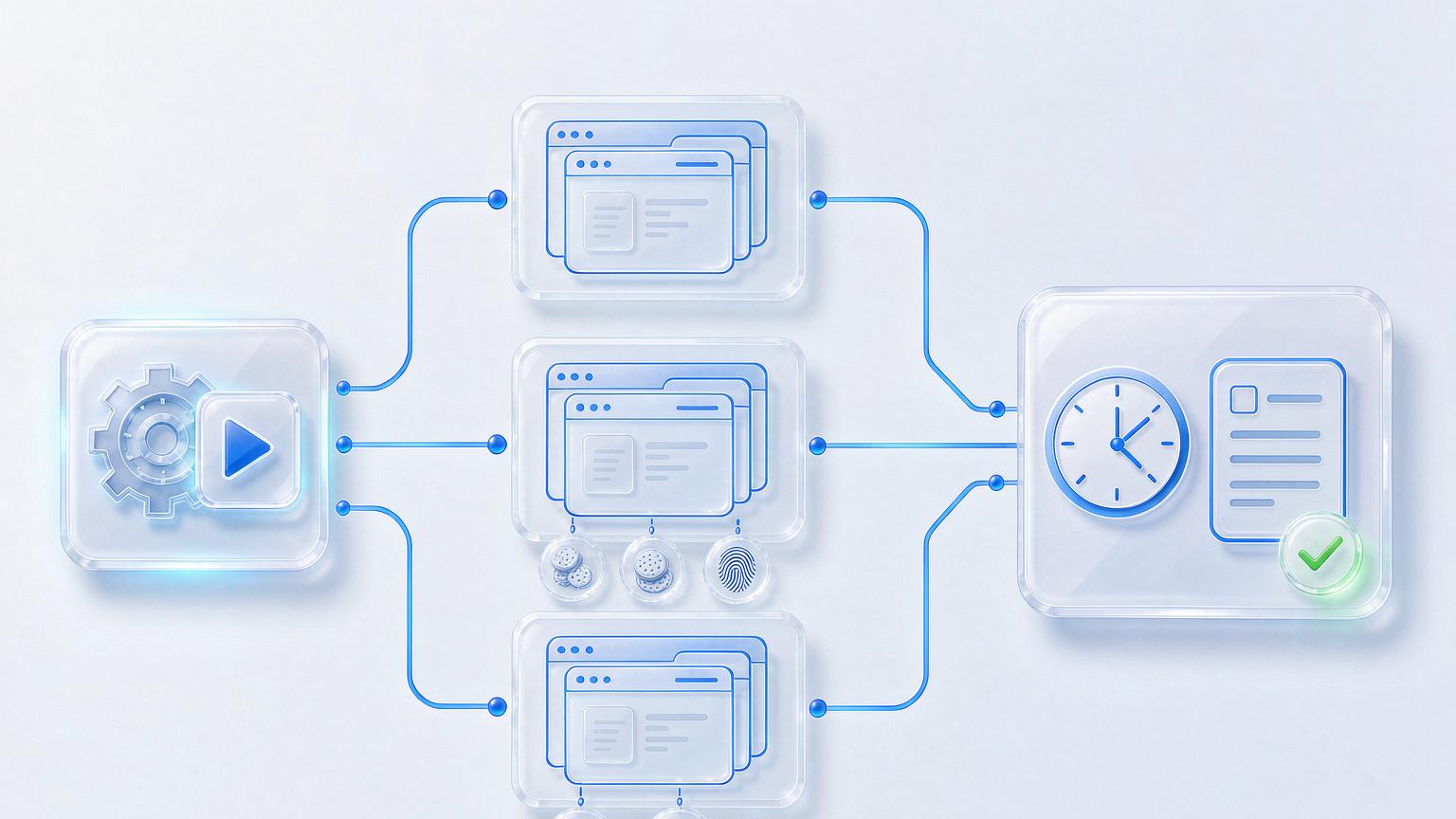
But one precondition has to be stated up front: RPA is a building constructed on top of environment isolation. The fingerprint browser's job is to guarantee each account runs in its own isolated browser environment—independent fingerprint, independent Cookies, independent proxy IP—so the RPA script has a safe runway. If you run automation in mixed environments, you're tying every account to the same rope: one gets flagged, they all go down. For how to build environments properly and achieve one-environment-per-account, the guide on multi-account management with a fingerprint browser lays out a ready-made five-step process worth following before you automate anything.
Three Layers of Automation: Scripts, Window Sync, and API
The review video split automation capabilities into several layers, and that layered framing is worth borrowing. In practice, you really have three options, each suited to different scenarios.
Option one: RPA scripts. Write the workflow once, bind it to multiple environments, and let it run repeatedly. Ideal for tasks where "every account does the same steps"—batch logins and check-ins, unified posting, bulk profile edits. This is the most frequently used layer and saves the most time.
Option two: window synchronization. You operate manually in one main window, and every other window mirrors your actions in real time. Best for one-off tasks that can't be pre-scripted—say you suddenly need to swap the same new creative into 30 accounts and the navigation path is awkward; scripting it would cost more than it saves, so just sync one pass and be done. Matrix teams know this pattern well; the piece on social media matrix marketing describes a similar play: one decision, executed simultaneously across many accounts.
Option three: API. Built for teams with development resources—create and launch environments, schedule jobs, and embed the fingerprint browser into your own business systems via code. A solo studio won't need it, but once team size grows, the API is what stitches automation into the whole workflow.
For our part, all three layers ship in MakoBrowser: a visual RPA flow editor for orchestration and batch execution across bound environments; environment groups and team permissions for task distribution; and the API reserved for deep integration by developers.
Running Your First Automated Workflow: A Five-Step Rollout
Take the example of "posting one piece of content to 20 accounts on a daily schedule," and walk through the full process.
Step one: run one environment manually, end to end. Don't jump straight into scripting. Log in, post, and log out by hand, confirming the path works flawlessly in a single environment—stable proxy, pages loading normally, no blocks. A script merely replicates the path you validated manually; if the path itself is broken, the script just copies the problem 20 times over.
Step two: record or compose the script. Solidify the path into a flow: open environment → log in → go to the publish page → fill in content → submit → log out. Add wait times between steps—don't let the script click five times in half a second like a robot.
Step three: bind environments and run in batch. Attach the script to an environment group, test-run with just 2–3 accounts first, and watch the entire flow before scaling to all of them.
Step four: set up scheduled tasks. Trigger at a fixed time daily, and stagger execution times across groups—20 accounts starting the same action in the same second is itself an anomaly signal.
Step five: review logs and validate. A good fingerprint browser logs every executed action and its result—which step failed, which environment misbehaved—at a glance. Five minutes of daily log review saves you ten times the effort of post-failure debugging.
Automation Isn't Hands-Off: Frequency and Behavioral Boundaries
Finally, the common pitfalls. RPA saves labor, not risk control—platforms never stop refining their detection of automated behavior.
Frequency is the first red line. No real person completes every action on the dot and then vanishes. Scatter task times, randomize intervals, leave weekends empty—only then does the script's behavioral trail look human. Platforms like TikTok are especially sensitive at the behavior layer. The guide on setting up a TikTok environment breaks down a full checklist of the signals risk systems watch; go through it before scheduling any automation.
The second is content diversity. Twenty accounts posting identical copy with identical images is self-reporting. Build content variables into the script—rotating copy, slightly adjusted images, staggered posting times.
The third is a validation habit. Facebook veterans know accounts are nurtured, not rushed. The "start low-frequency, scale gradually" principle from the guide on Facebook account management applies to RPA as well: for the first two weeks, a new environment should only run the lightest tasks before you automate anything heavier.
FAQ
Will RPA scripts get detected by platforms? Possibly. Platforms analyze behavior patterns rather than "is this a script": frequency, intervals, trajectory. Make those three look human and risk stays low; mindless rapid clicking can't be saved by even the best environment.
Can you use RPA without coding skills? Yes. RPA in mainstream fingerprint browsers is visual orchestration—drag steps, set parameters, hit run, much like recording a macro. Only the API layer requires development skills.
At how many accounts does RPA become necessary? Rule of thumb: above 10. With 5 or fewer, manual work is actually more reliable; past 10, the time cost of repetition clearly outweighs the cost of learning to script.
Window sync or RPA—which one? Fixed steps, done daily → RPA. One-off, improvised → window sync. They're not mutually exclusive; many teams run RPA for routine work and sync for emergencies.
Closing Thoughts: Give Repetition to Scripts, Keep Judgment for Yourself
This post makes one point: in multi-account operations, the most expensive resource isn't the tool—it's the man-hours burned on daily repetition. The fingerprint browser + RPA combination is essentially about removing "human endurance" from the workflow: environment isolation keeps accounts safe, scripts keep execution consistent, logs keep everything traceable, and people focus only on designing flows and validating results.
A sequencing tip for anyone about to start: get one environment working manually first, then record the script, then test at small scale, and only then scale up to full scheduled runs. Skipping steps is the root cause of most automation failures.
These five steps are the exact order we followed internally when rolling out automation. Configure a script once in MakoBrowser and reuse it forever (download here); once your first flow is running, the marginal cost of automating each new account approaches zero—that's where automation pays off. Ongoing lessons learned are updated in the blog hub.