Captcha Surges and Flagged IPs? A Hands-On Fingerprint Browser Troubleshooting Guide
Anyone running multiple accounts has lived this moment: an account that was fine yesterday suddenly throws a captcha on every action; or a detection-site run drops your score from 90 to 60; or worse, the profile simply won't open and the page hangs on a white screen. Panicking is normal, but the vast majority of these "failures" have a clear cause — trace the symptom backward and you'll find it.
This manual is built around the problems we run into most often when helping users debug their setups — every test below was done on the MakoBrowser fingerprint browser, and the feature paths use it as the example. Each symptom gets its own breakdown of causes and fixes. One ground rule first: change only one variable at a time. If you swap the IP, clear the cache and reinstall the browser all at once and the problem "goes away", you'll never know which move actually worked — and when it recurs, you're back at square one.
Symptom 1: Captchas Suddenly Explode
Logins were smooth yesterday; today every action triggers a human-verification check. This is the most common signal, and it almost always points in one direction: the platform's trust in this "device + network" combination has dropped.
Check in order of likelihood:
- IP reputation decay (the biggest culprit). Residential IP ranges "go dirty" — when other users on the same range misbehave, the whole range gets downgraded by the platform. Run your IP through a quality checker and compare it with last week's record; if the score has clearly dropped, swap the IP and touch nothing else.
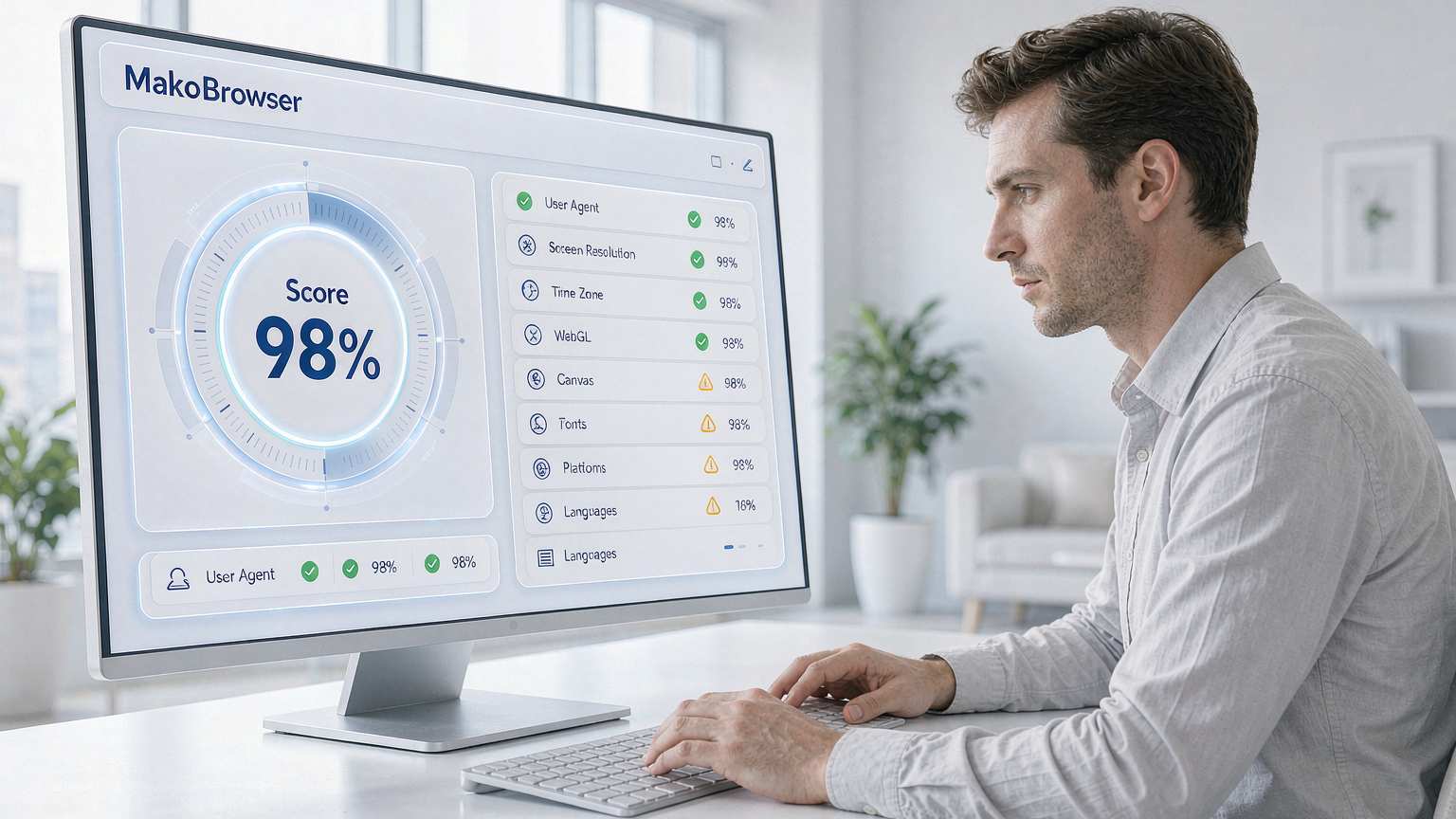
- Fingerprint parameter drift. Upgrading the fingerprint browser, tweaking a config by hand, even the OS auto-updating its font library can push environment parameters off their original values. Run a fingerprint check, compare it against the profile's baseline snapshot, and restore anything that drifted.
- Sudden behavior change. Operation frequency, time slots, or navigation paths changed abruptly. Think back: did you recently batch-add tasks or shift your working hours?
For why the IP layer matters so much and how linked detection actually works, the social media account anti-association guide covers the full mechanics — the troubleshooting logic here applies directly.
Symptom 2: Detection Scores Plummet, IP Gets Flagged
Your own test run shows the fingerprint score falling from 90+ to 60, or a third-party blacklist lookup shows the IP as flagged. The good news: the problem is still at the "observable" stage — act fast and your accounts stay untouched.

Check layer by layer:
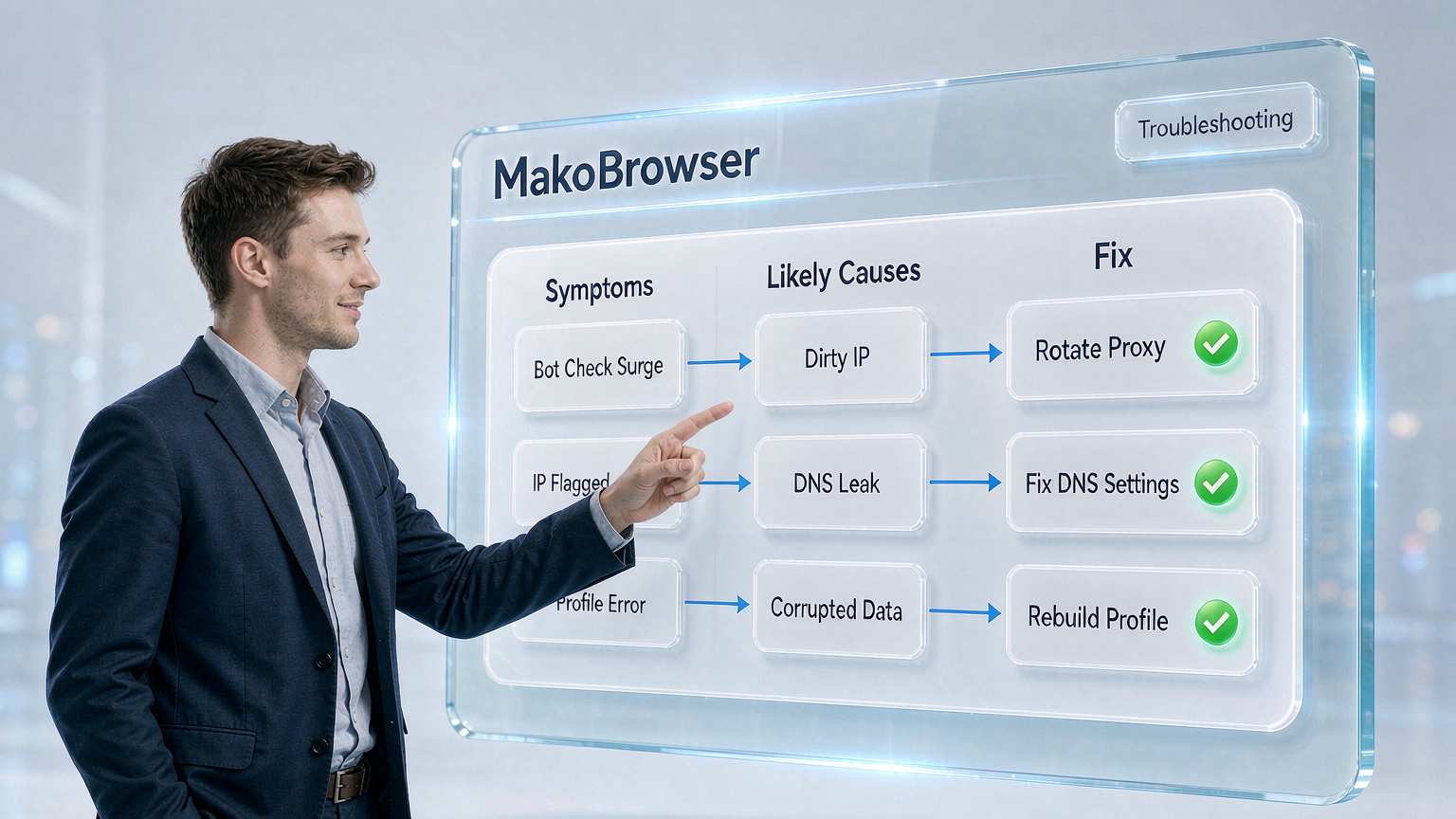
- Network layer: Has the proxy expired or been reclaimed? Did the provider repurpose that IP range? Swap in a fresh IP of the same type and see whether the score recovers — if it does, case closed.
- DNS leak: The DNS shown by the detection site doesn't match the proxy's location, meaning requests are bypassing the proxy. Check that the profile's DNS setting is locked down — don't leave it on system default.
- Parameter consistency: Do the timezone, language, and resolution still match the IP's location? The TikTok profile setup guide has a ready-made checklist for verifying this consistency — when a profile misbehaves, that's exactly what you re-check item by item.
Symptom 3: Profile Won't Open, White Screen
Most of these aren't "risk control" — they're problems with the profile itself, which makes them easier to fix:
- Proxy unreachable: Run the proxy check first. Red result → verify the proxy hasn't expired, the format is entered correctly (don't mix up SOCKS5 and HTTP), and your local network can actually reach the proxy server.
- Kernel crash or version conflict: If the profile stopped opening after a fingerprint browser upgrade, roll back to the previous version; vendors usually patch compatibility issues within days.
- Corrupted data: If the profile won't open after an abnormal shutdown (power cut, force-killed process), use the "repair profile" function to rebuild the index; if your build lacks it, restore directly from a backup — which is exactly why regular backups matter.
Symptom 4: Accounts Keep Getting Logged Out
Login sessions keep dying for no obvious reason, forcing a re-login every few days. Three usual suspects:
- Cookies got cleared: Check whether an "erase data on exit" style setting is enabled, or whether someone cleared them manually. Never clear Cookies in a farming profile — the Cookie management guide explains why: Cookies are your account's seniority.
- Same account, another location: Someone else (or another one of your own profiles) is logged into the same account, kicking each other offline. Search globally for every place that account is in use.
- Platform session expiry: Normal behavior — just log back in; only worry when it happens more than once a week.
The Universal Discipline: Change One Variable at a Time
Let's compress the methodology — it's worth more than any specific trick:
- Observe first, act second. Detection scores, proxy tests, login checks — record the symptoms before you change anything.
- One variable at a time. Swapping the IP? Only swap the IP, then watch for a day or two before deciding the next step.
- Record baselines. Save the detection scores and parameter screenshots when each profile is first set up — otherwise there's nothing to compare against when things break. MakoBrowser lets you archive the detection report with the profile, so this discipline costs almost nothing.
- Re-test after every fix. Re-run the acceptance checks after each change; only scale operations back up once scores recover and symptoms disappear.
This discipline was paid for in tuition during our own debugging — the most expensive lesson came from swapping three IPs at once and never figuring out which one was bad, wasting an entire week.
FAQ
A new IP fixes it, but captchas surge again a few days later. What now? The IP range is going dirty continuously — it's not a one-off. Switch providers or IP pool types (static residential to native residential) and shorten your IP quality-check interval.
Low fingerprint score but the account is perfectly fine — fix it or leave it? Just keep an eye on it. Scores are a reference; account behavior is the gold standard. Making big changes now would only introduce new variables.
Can I repair profile data myself? For mild corruption, use the fingerprint browser's built-in repair function; if that fails, restore from backup. Manually digging through folders and deleting files is the one thing you must never do.
Captchas show up but I pass them all — do I need a new profile? If they're occasional and passable, keep going and just observe. Captchas are a signal, not a verdict. Start the troubleshooting flow in this guide only when they start disrupting your work.
Closing Thoughts: Troubleshooting Is a Craft, Not Magic
The worst reaction to a broken profile is throwing everything at it — new IP, wiped data, reinstall, all at once. Treat symptoms as clues, work through "network layer → environment layer → data layer", change one variable at a time, and most failures can be located within half an hour. The four symptoms in this guide cover most of what we get asked daily; following it should be enough.
Proxy checks, fingerprint scoring, profile repair and backup are all built into MakoBrowser (download here) — no need to stitch together third-party tools. If you hit something weird this manual doesn't cover, drop a note at the blog hub and we'll fold representative cases into future updates.